Photo & Media Animation Effects
Turn photos into ready-to-post animations in your browser: before and after wipes, 2.5D parallax, VHS and old film looks, slideshows, polaroids and mockups. Drop an image, pick colours and export a WebM video with a green screen or solid background (transparent alpha in HD), or PNG stills, with no After Effects and nothing to install. Every effect also runs live as an OBS or Streamlabs browser source and drops straight into CapCut, Premiere Pro, DaVinci Resolve or Final Cut.
30 generators · free in your browser with unlimited 240p exports (watermarked) · HD from $3 for 10 exports · transparent WebM, green screen or PNG · 16:9, 9:16, 1:1 and strip.
Open the Studio →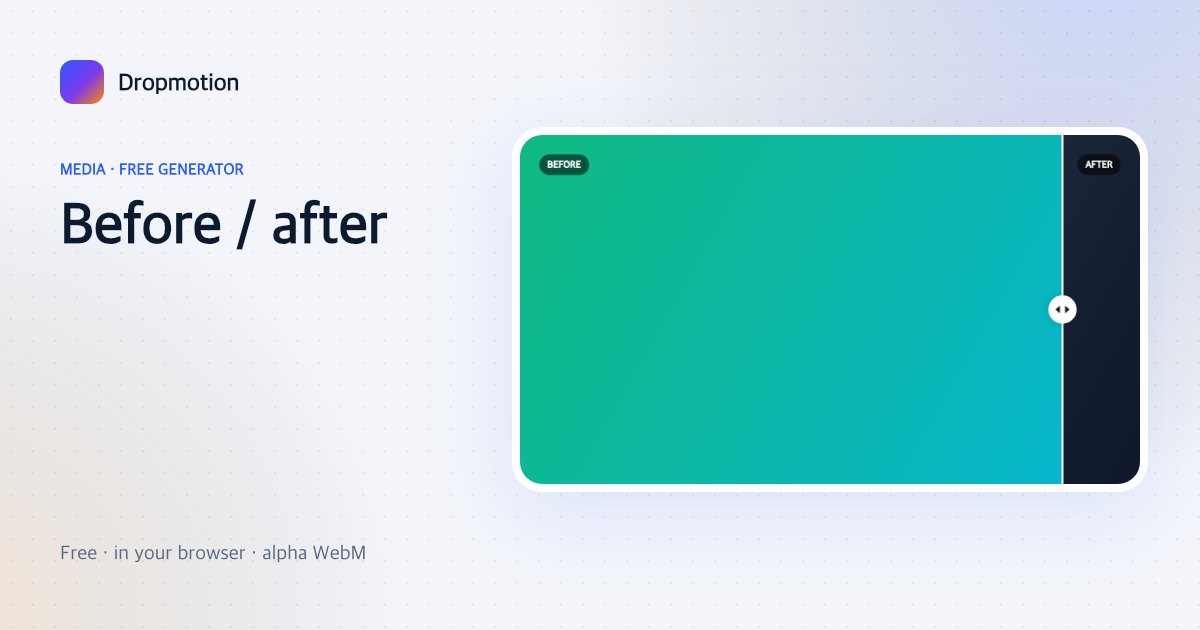
Before / after
Two images, a wipe line sweeps across with handle and labels. Edits, renovations, fitness, design.
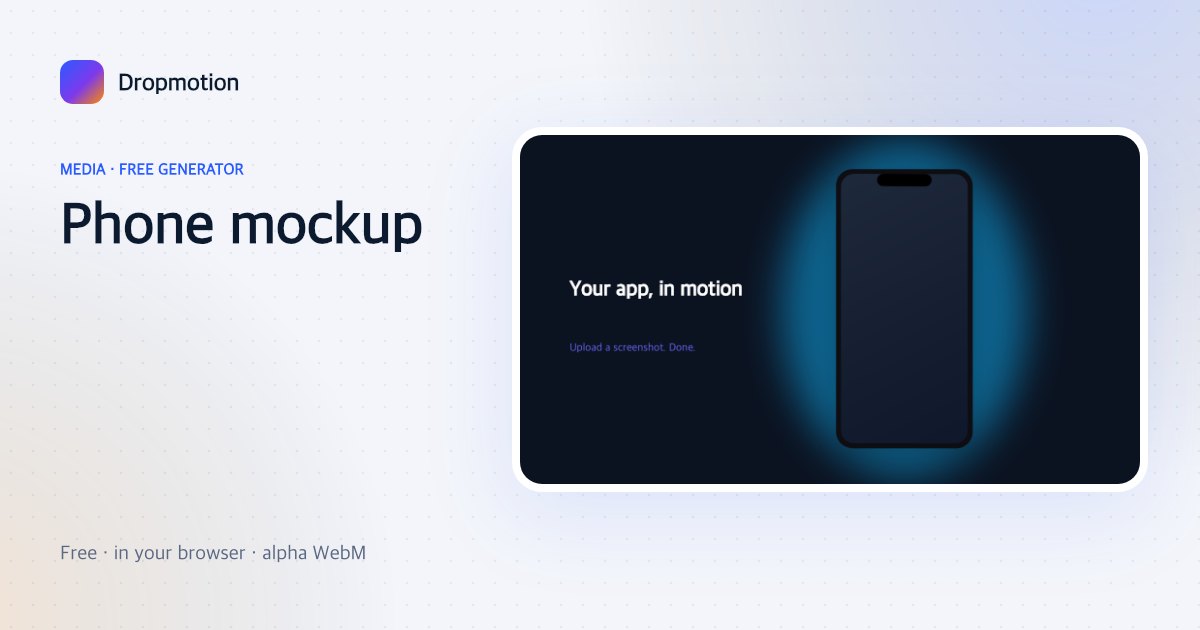
Phone mockup
Your screenshot inside a floating phone that tilts and drifts — app launch and demo videos.
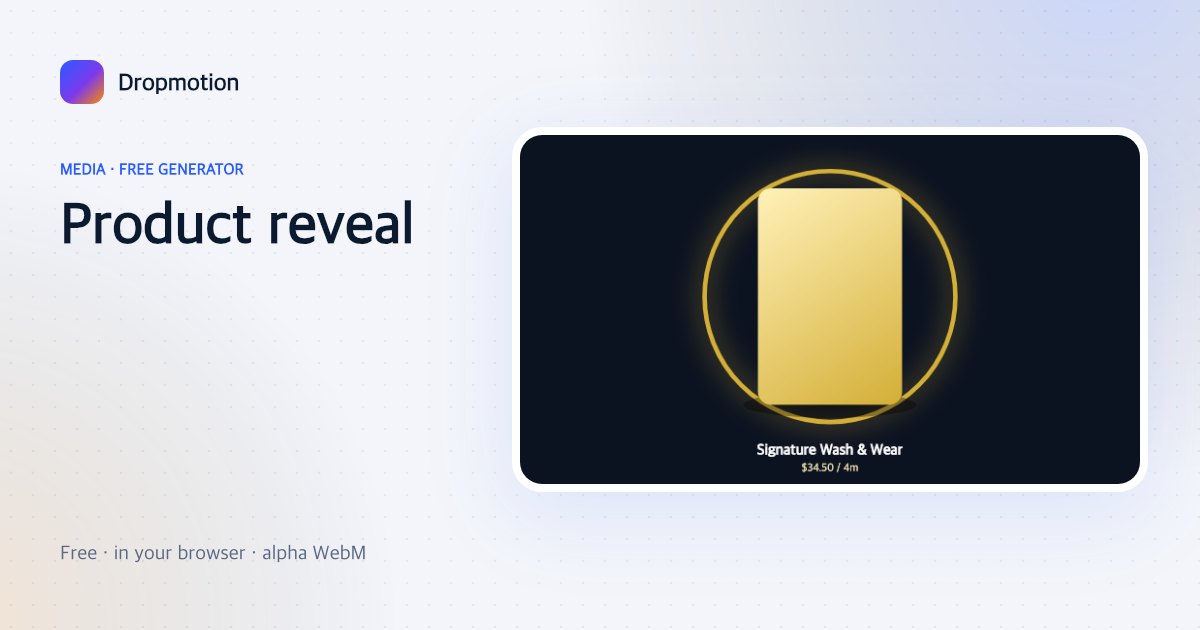
Product reveal
A product photo rises on a glowing ring with a shine pass, name and price. Shopify, Daraz, Amazon sellers.
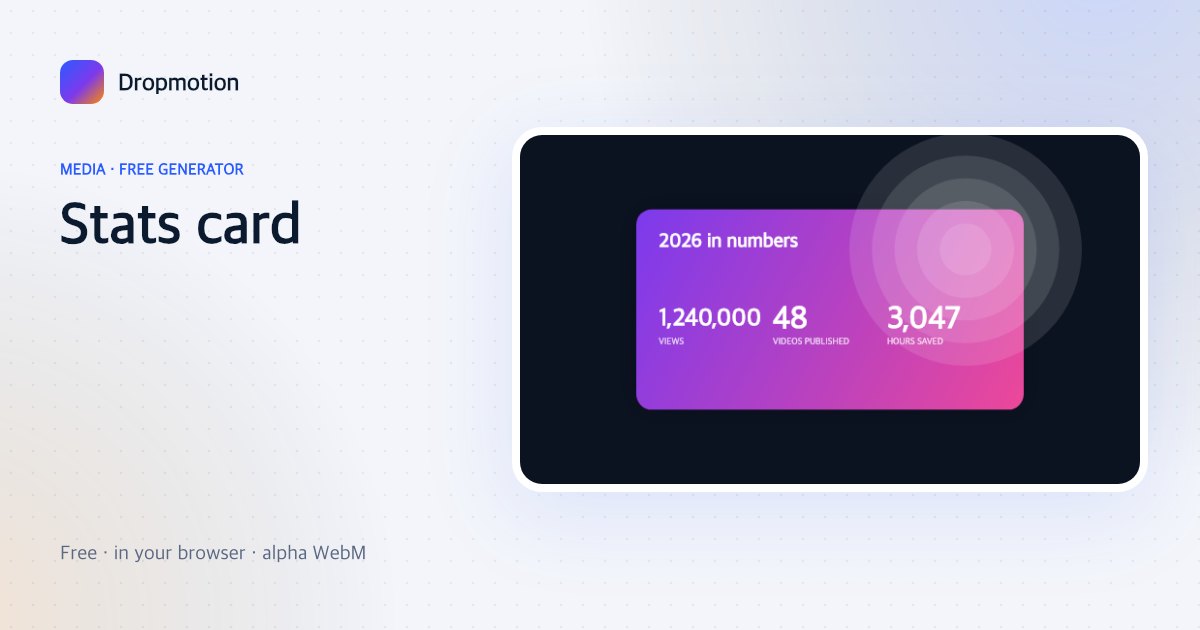
Stats card
Three big numbers count up on a bold card — year-in-review, channel stats, campaign results.
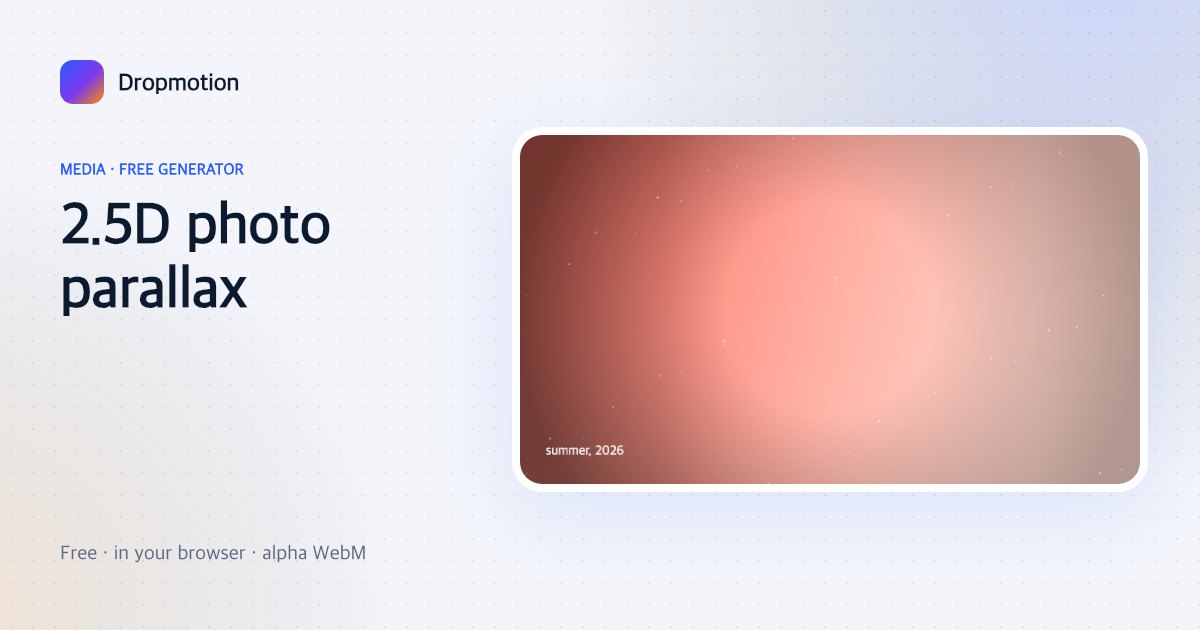
2.5D photo parallax
One photo gets depth: a slow push-in with layered vignette, light leak and floating dust. The CapCut effect everyone is searching for.
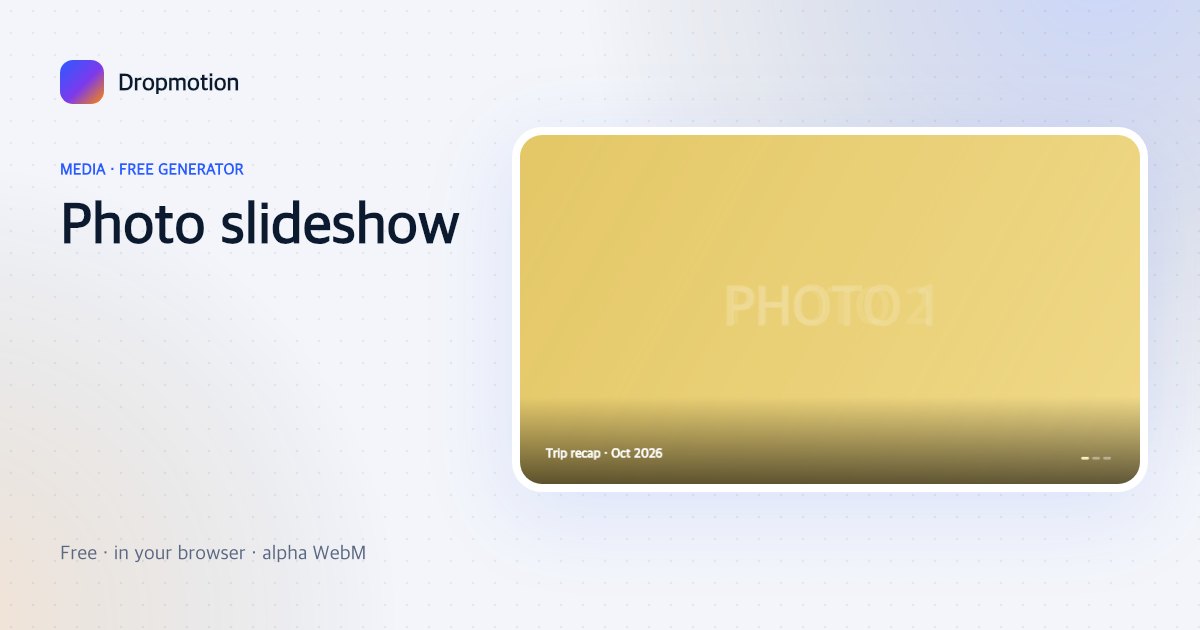
Photo slideshow
Drop a handful of photos; each gets a slow zoom and a cross-fade, with an optional caption strip.
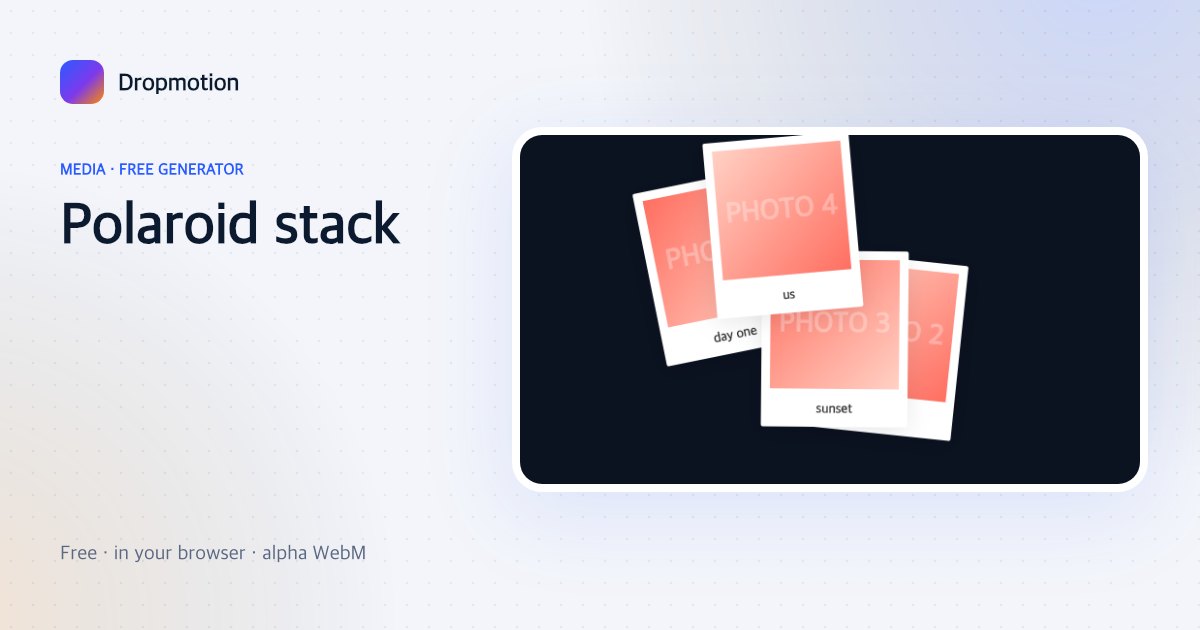
Polaroid stack
Photos drop onto the table one by one as tilted polaroids with handwritten captions.
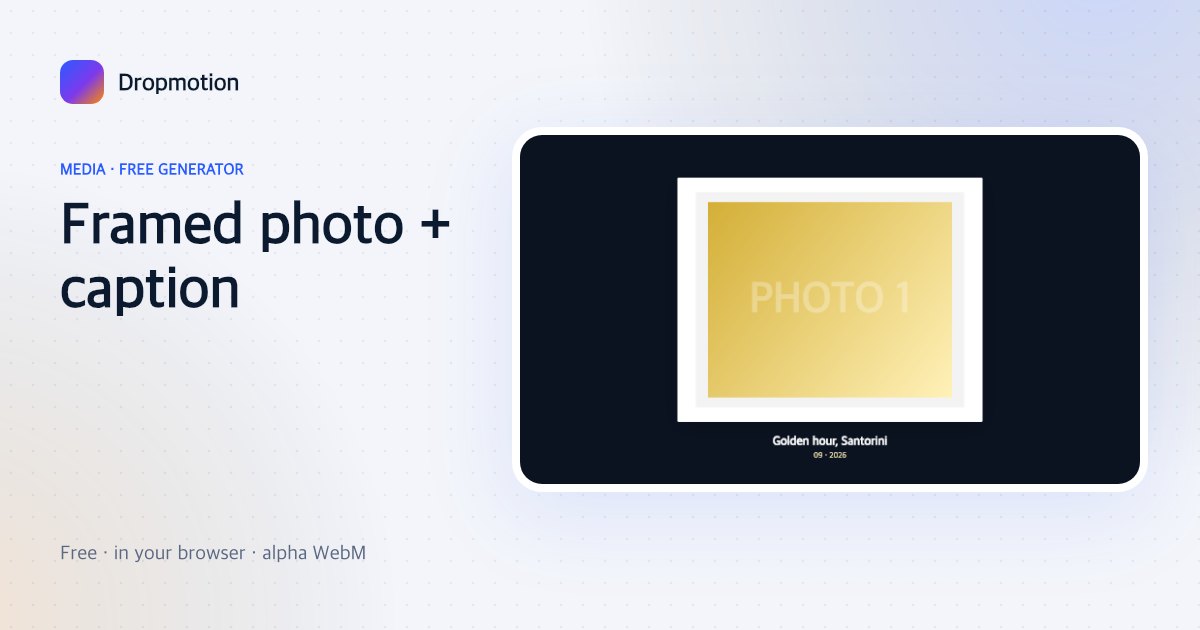
Framed photo + caption
One photo in a thick frame with a title and date that fade up — memorial, “on this day”, featured shot.
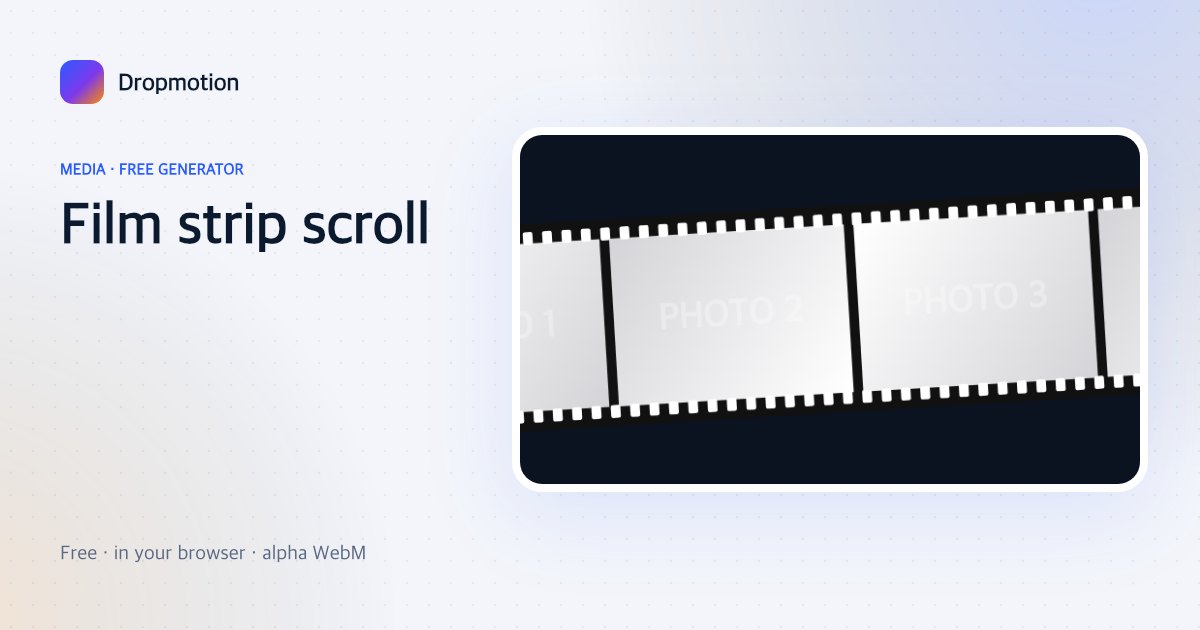
Film strip scroll
Photos ride a sprocketed film strip that scrolls across — recaps and montage intros.
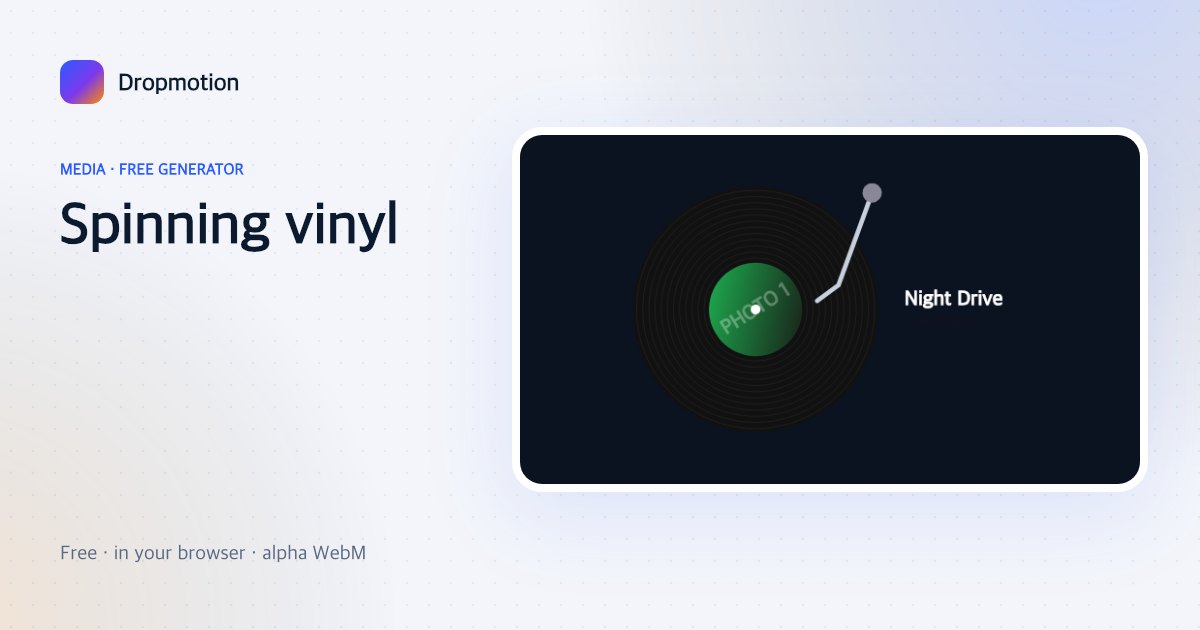
Spinning vinyl
A record with your cover art as the label spins with a tonearm — music releases and now-playing posts.
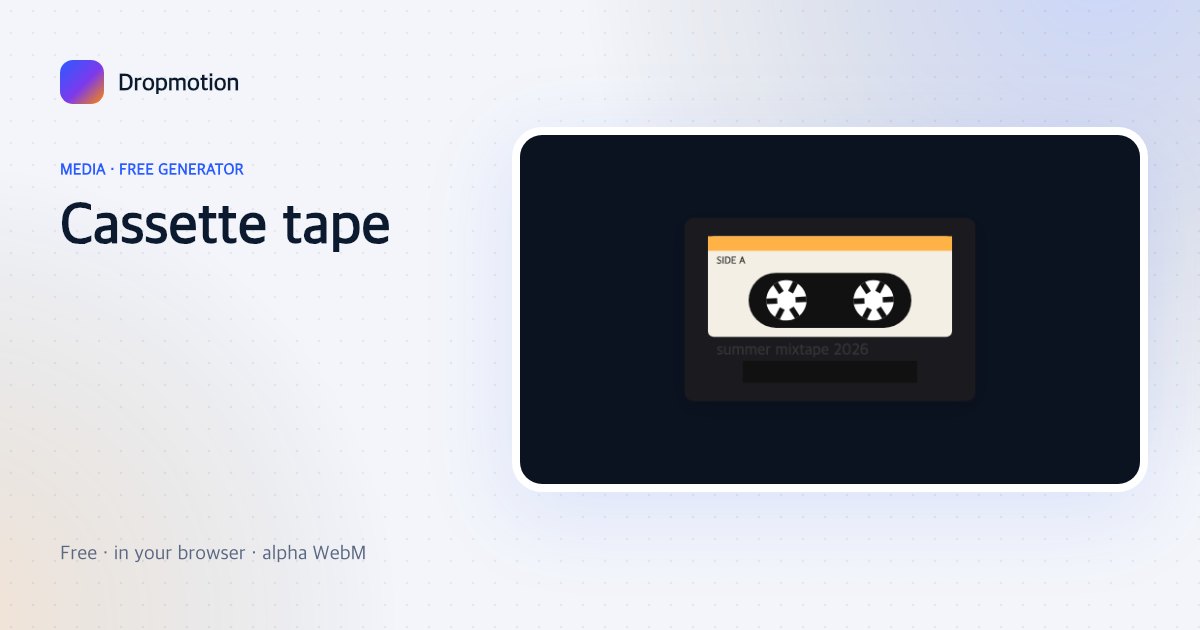
Cassette tape
A retro cassette with spinning reels and your title on the label — mixtapes, throwback edits.
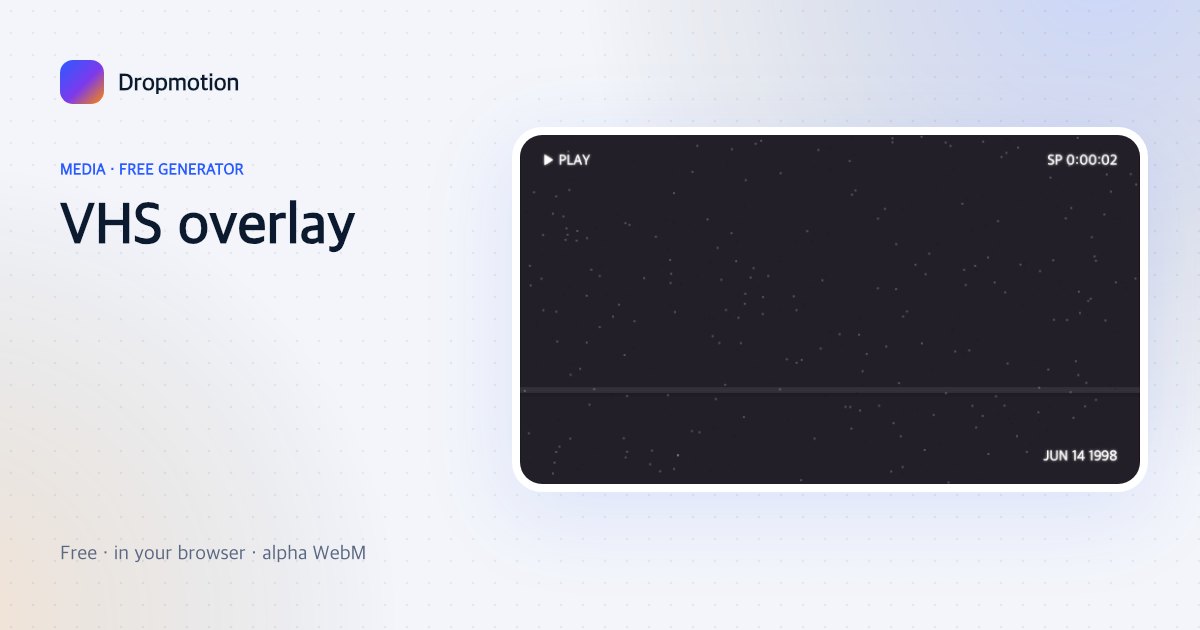
VHS overlay
Tracking lines, timestamp, PLAY ▶ and noise over your photo — the retro camcorder look.
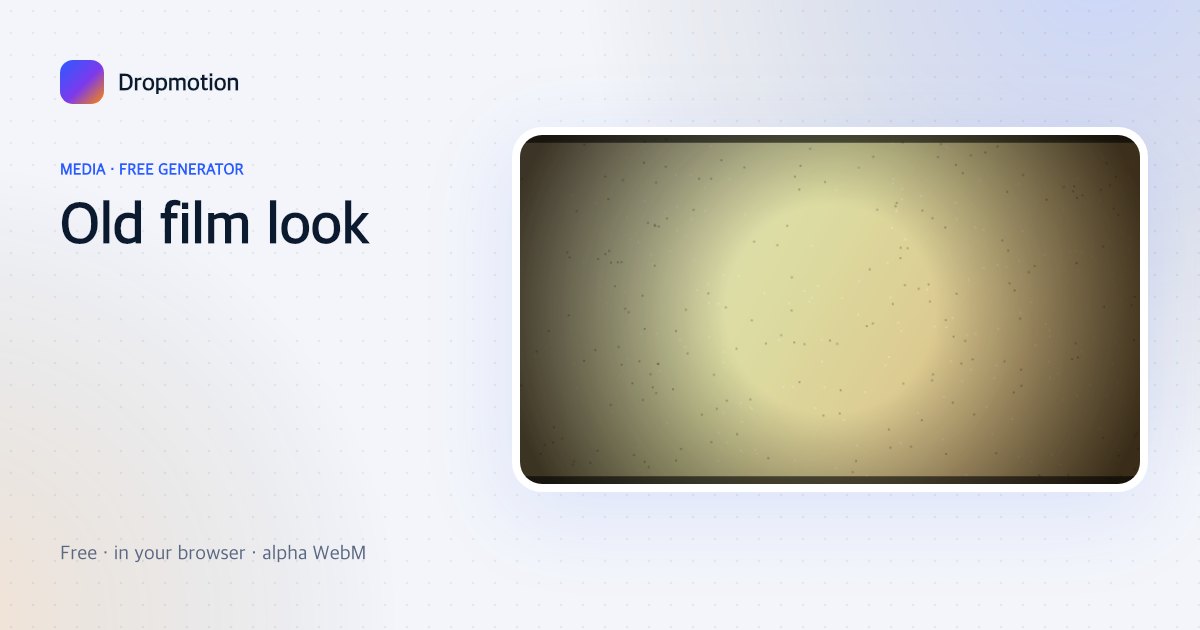
Old film look
Grain, flicker, dust specks, a vignette and burnt edges over your photo — instant 1970s.
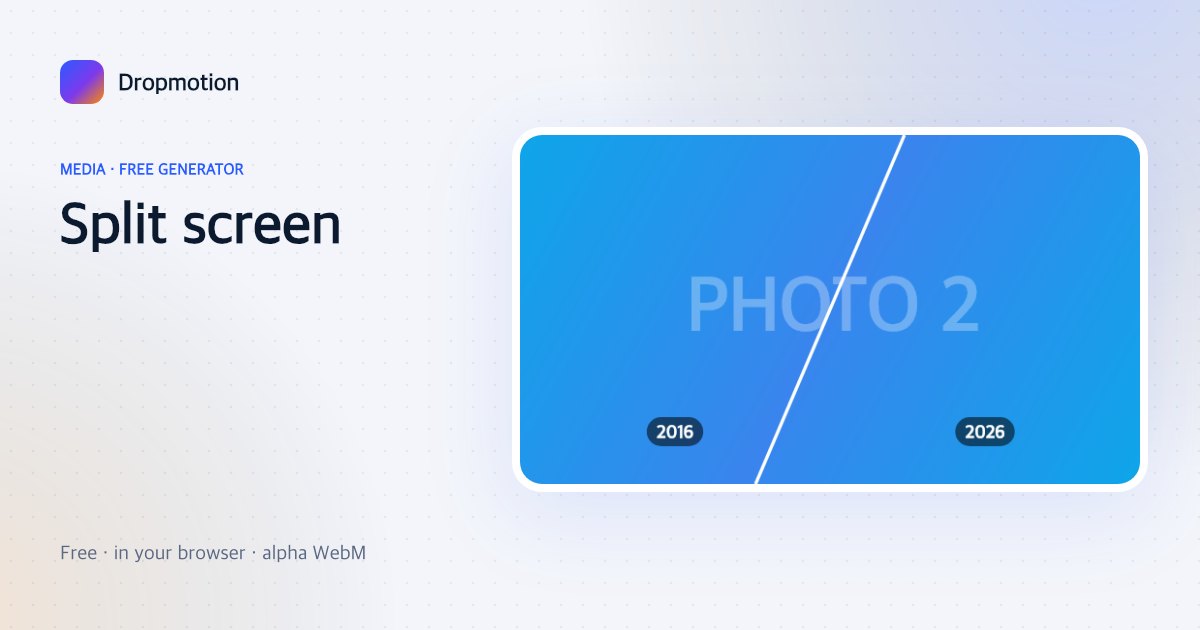
Split screen
Two photos slide in from opposite sides and meet at a diagonal line with labels — then vs now, A vs B.
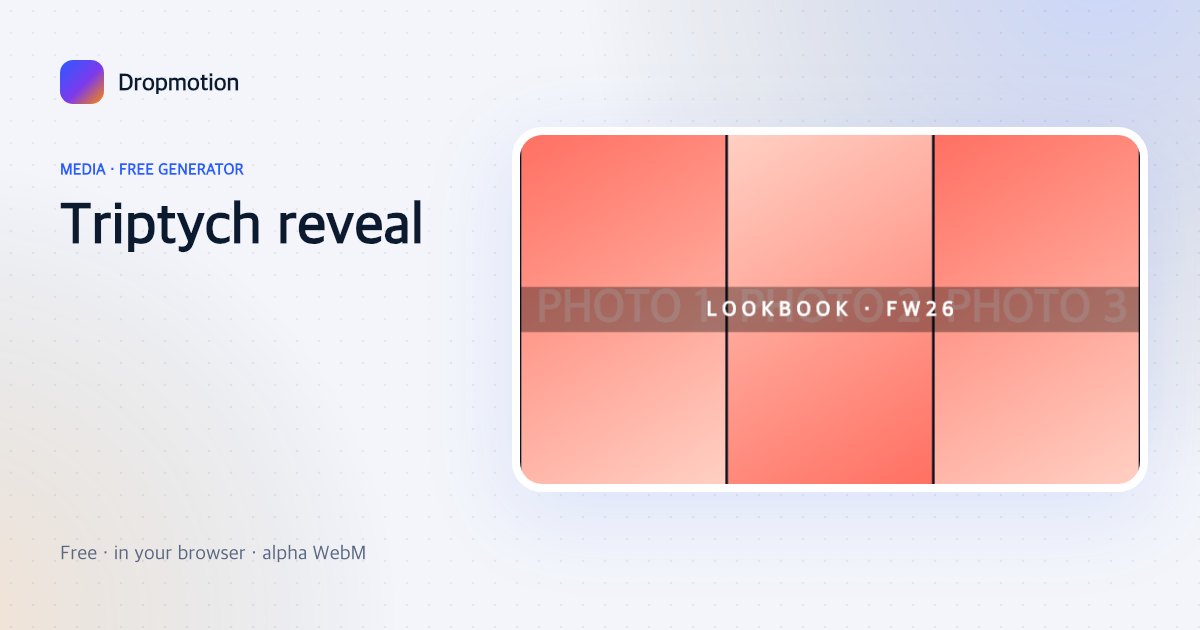
Triptych reveal
Three vertical panels wipe open one after another with a title across — fashion, portfolio, travel.
Zoom-blur transition
Photo A zooms and blurs into photo B — a two-image transition you can chain across a montage.
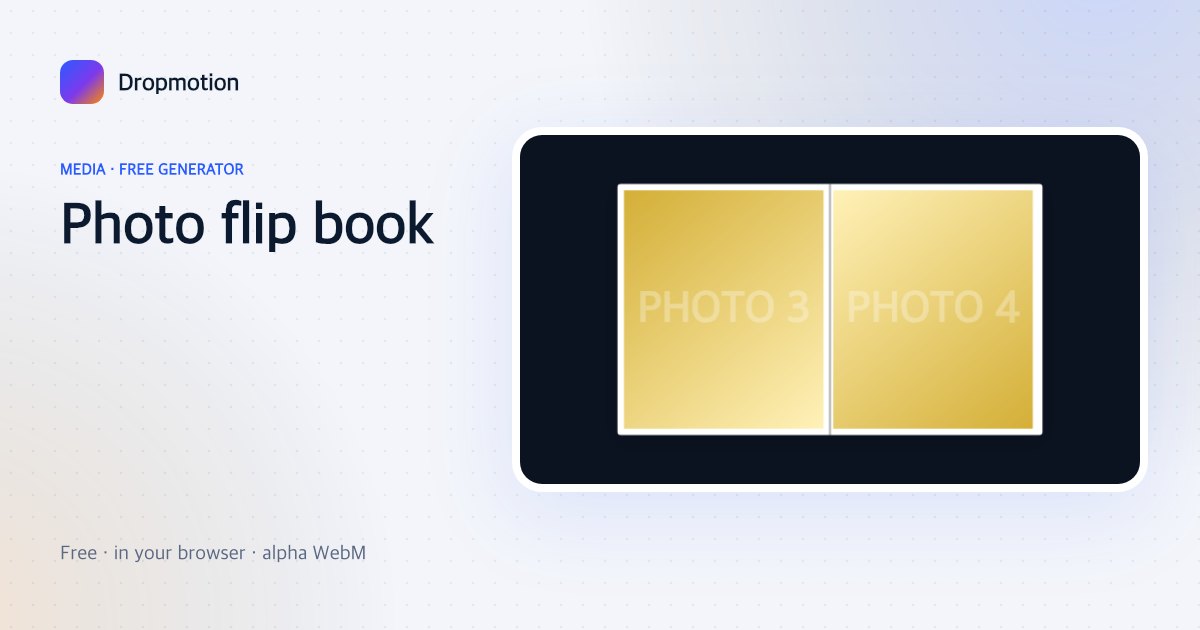
Photo flip book
Photos flip over like pages of a book, one every second — quick recaps, “a week in photos”.
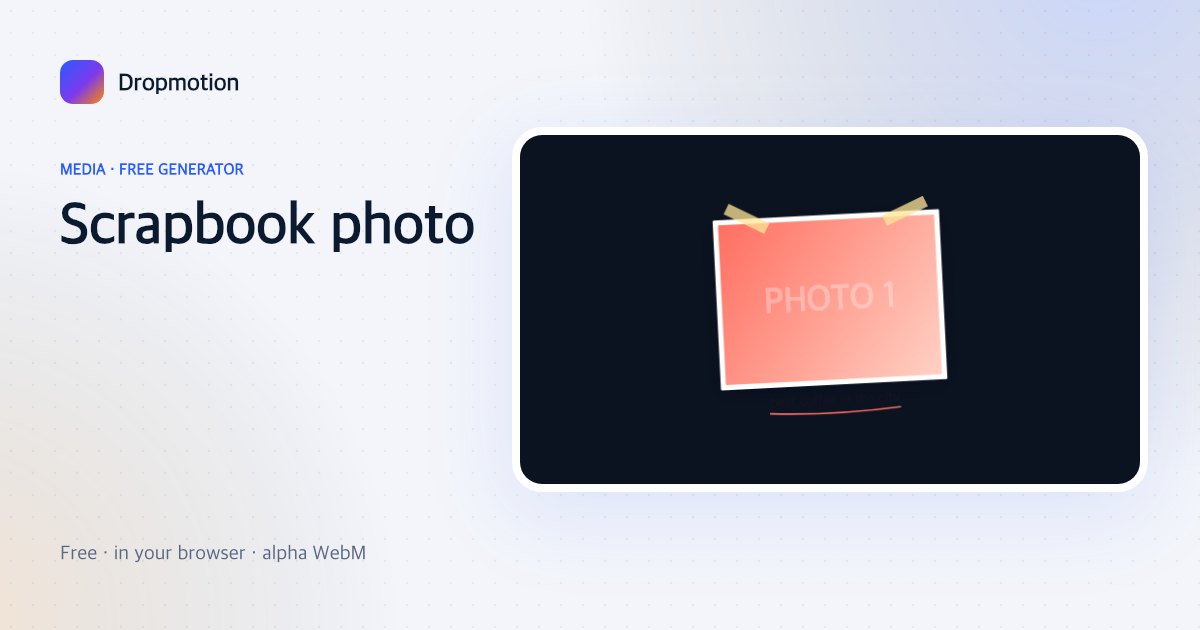
Scrapbook photo
A photo sticks on with two tape strips, a doodle underline and a handwritten note — journal vlogs.
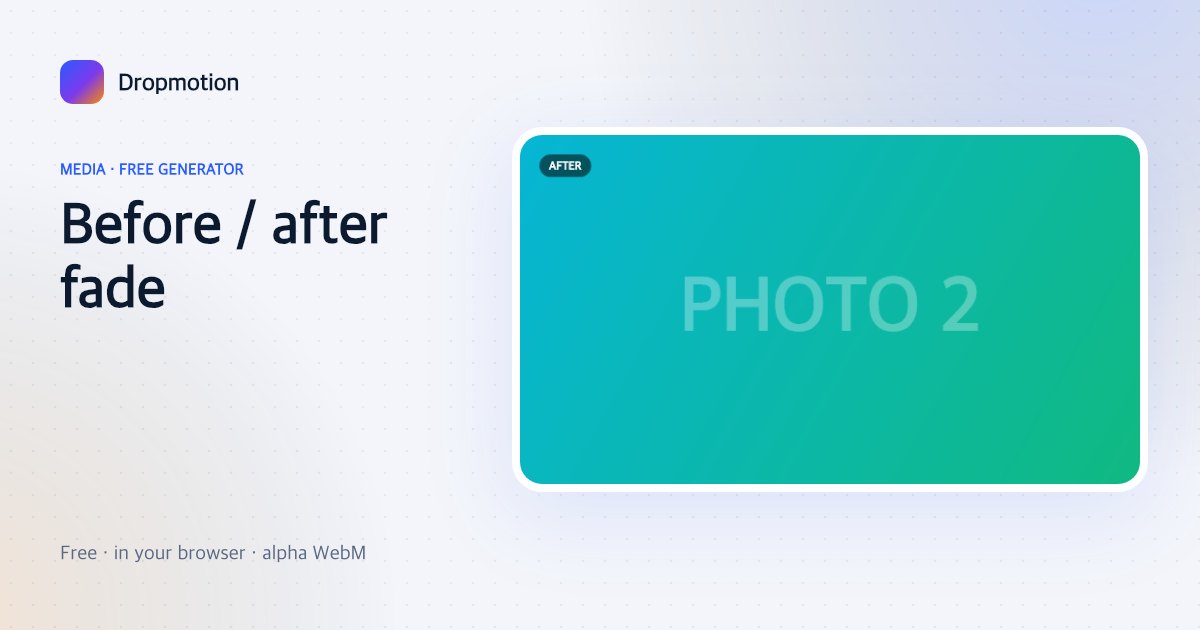
Before / after fade
Photo A dissolves into photo B and back with labels — edits, makeovers, renovations without a wipe line.
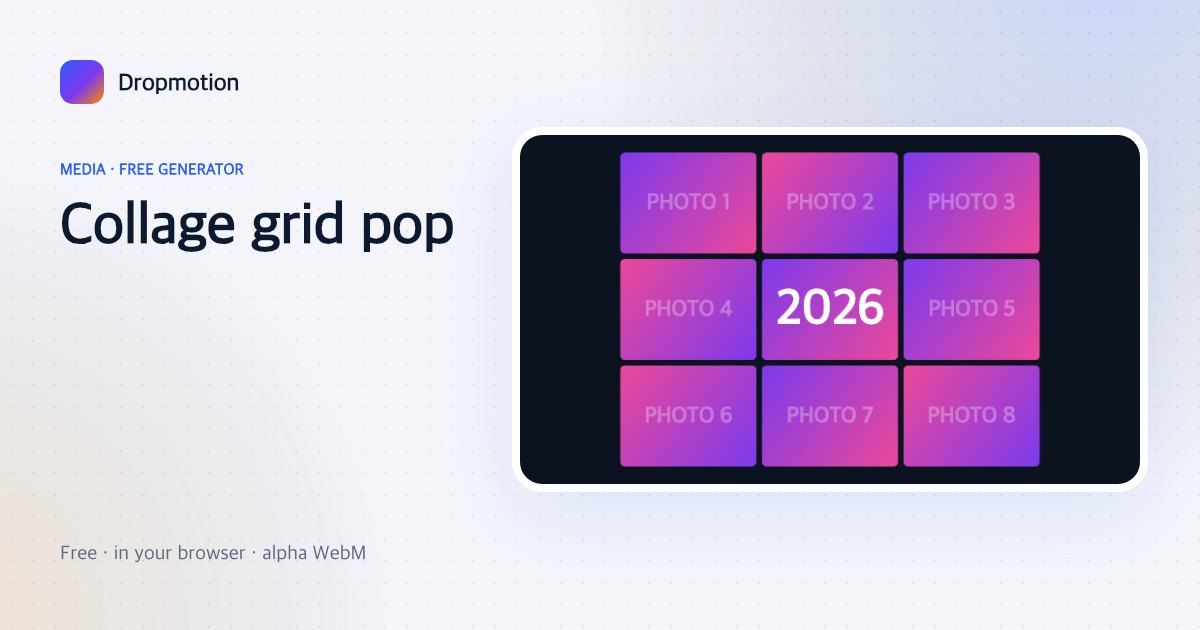
Collage grid pop
Up to nine photos pop into a grid in a wave with a title cell — recaps, product ranges, “my 2026”.
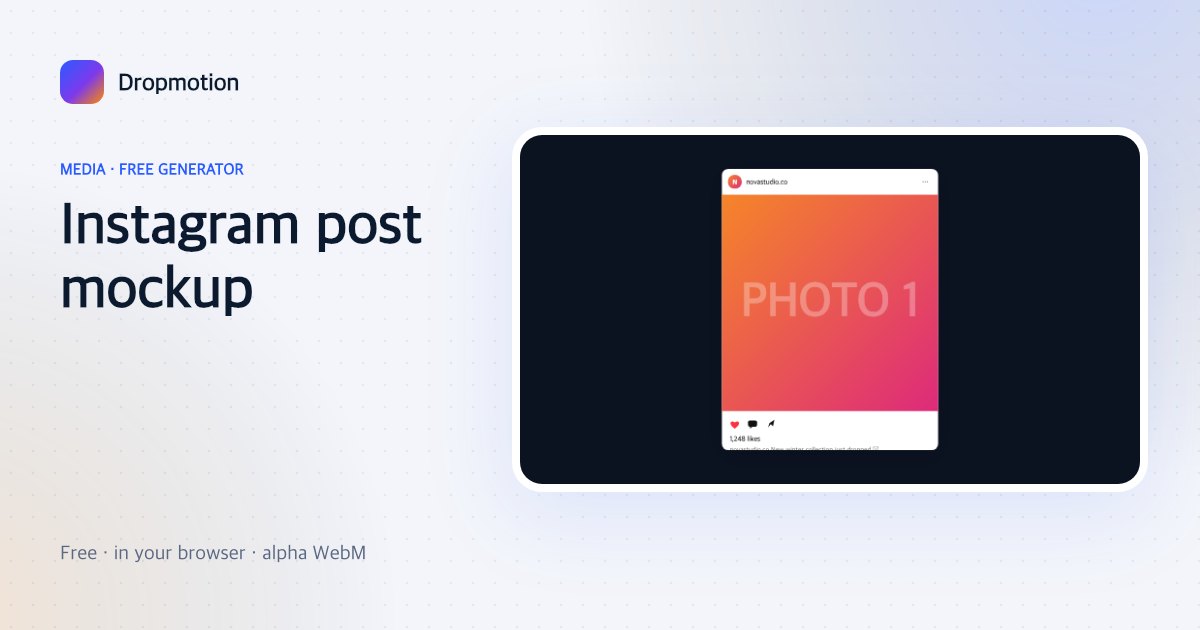
Instagram post mockup
Your photo inside a social post frame with avatar, likes counting up and a caption — content previews.
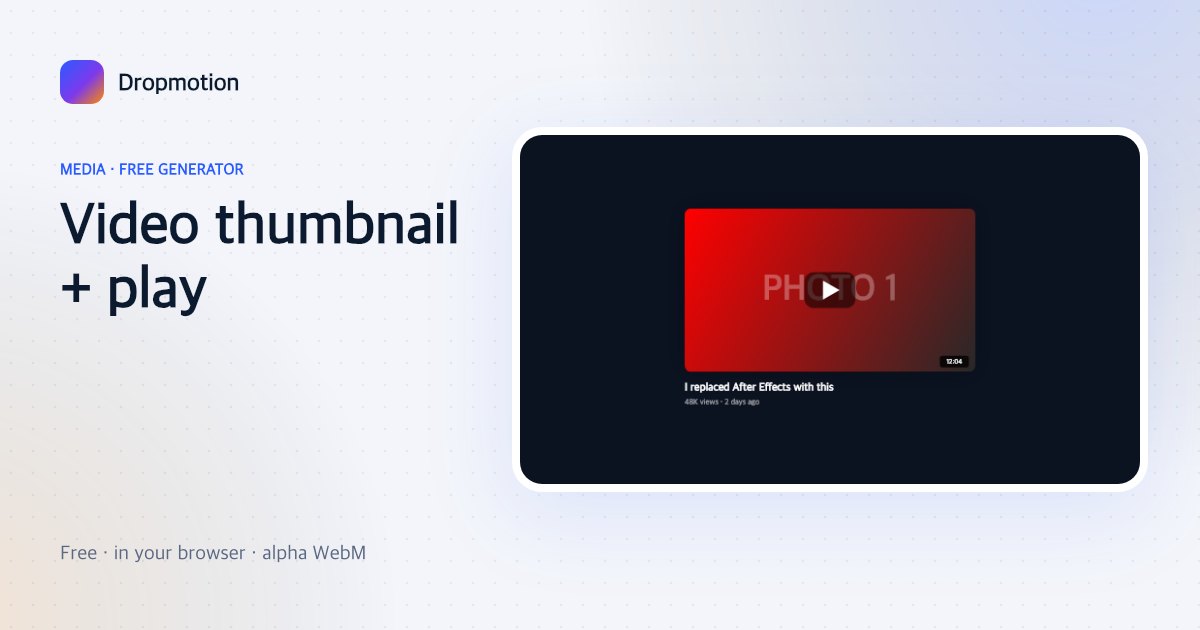
Video thumbnail + play
A thumbnail card with a pulsing play button, duration badge and title — “watch next”, promos.
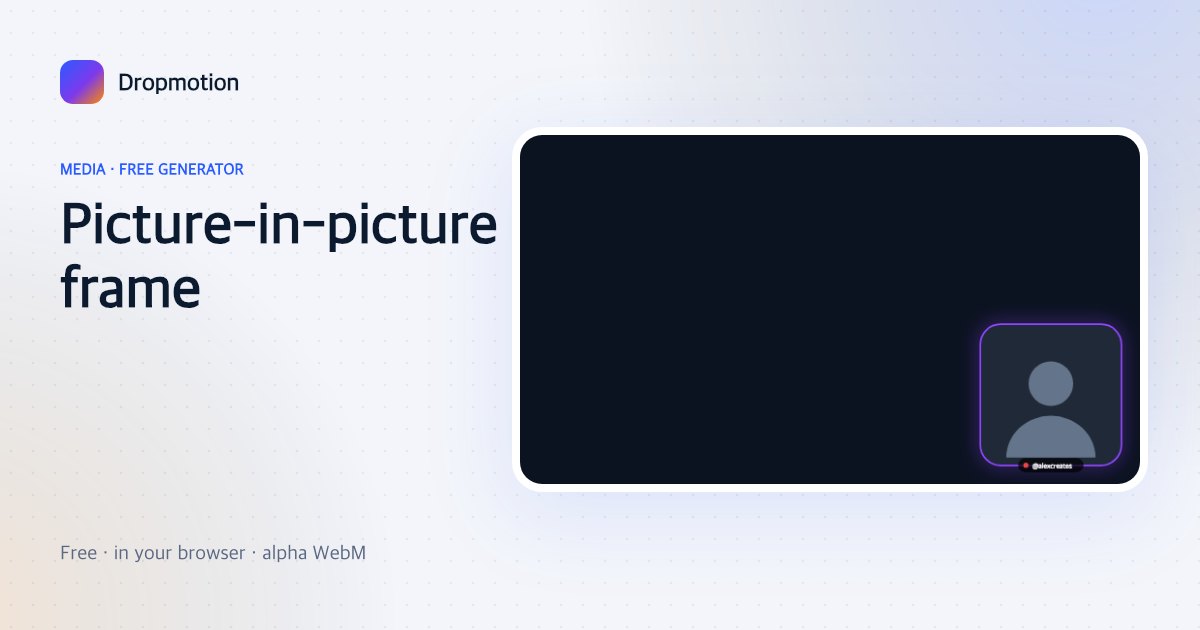
Picture-in-picture frame
A rounded facecam frame with a glowing border, name tag and optional LIVE dot — overlay for gameplay and tutorials.
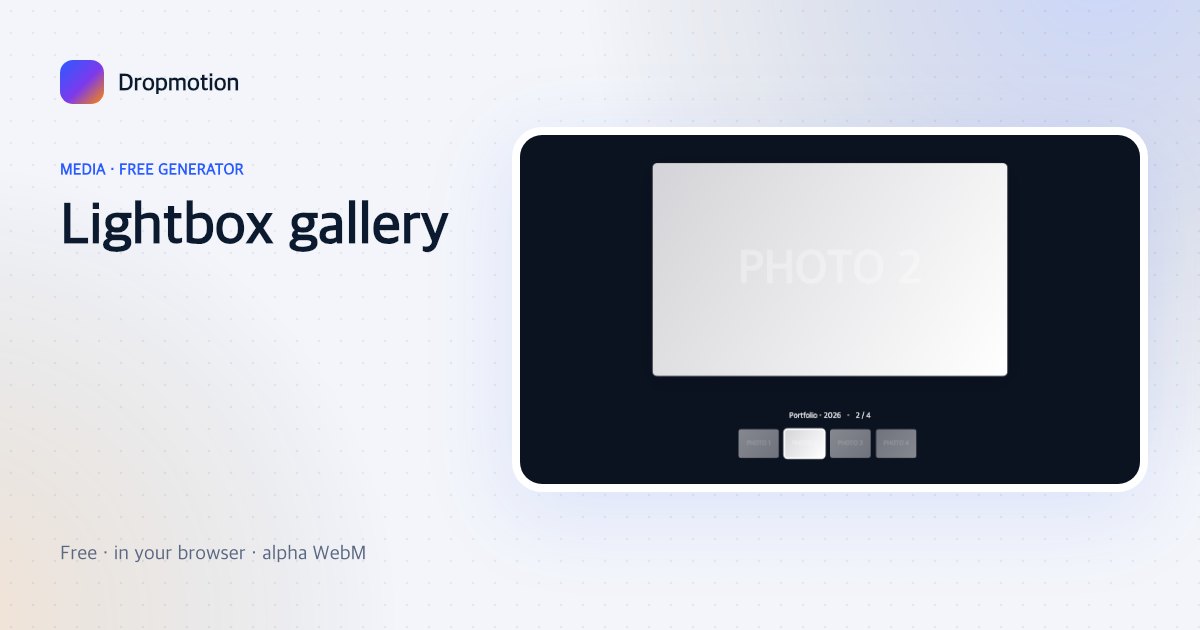
Lightbox gallery
A photo opens full-size from a strip of thumbnails, then the next one — portfolio and product galleries.
Shape mask reveal
A photo is revealed through a growing circle, star, heart or hexagon — a clean reveal for any image.
2×2 photo grid
Four photos snap into a 2×2 grid with a thin gap and slow zoom — before/during/after sets, product angles.
Blur backdrop fit
A horizontal photo fits inside a vertical frame over a blurred copy of itself — the Shorts/Reels fix.
Photo stack swipe
A stack of photos; the top one swipes off to the side every second revealing the next — Tinder-style recap.
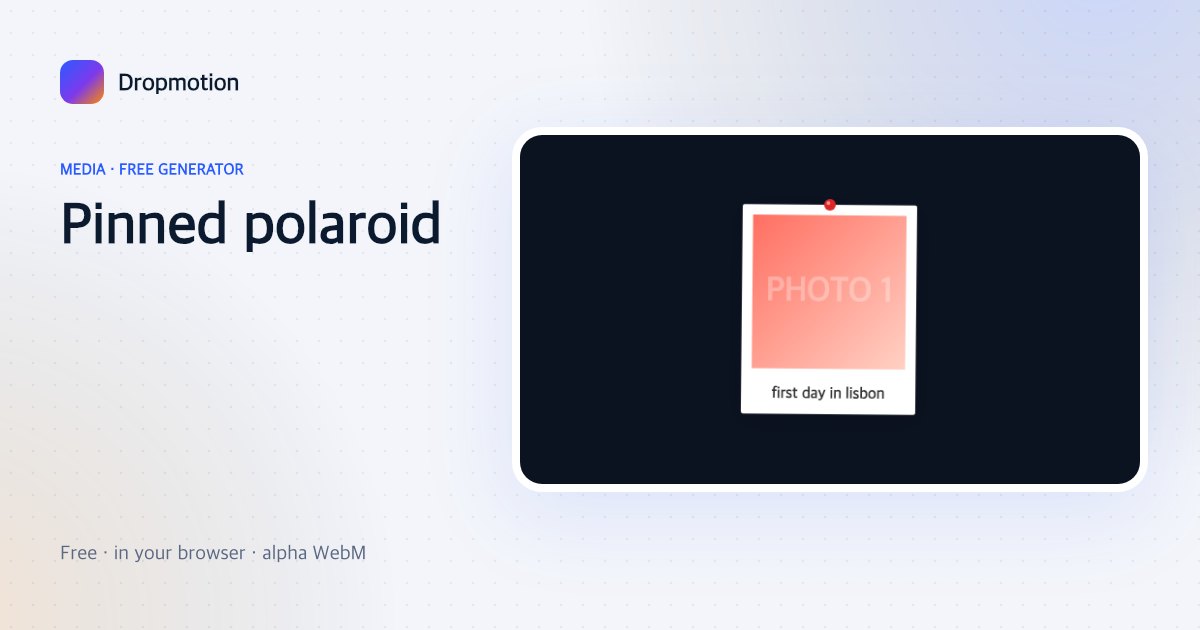
Pinned polaroid
One polaroid swings on a pin and settles with a handwritten caption — single-photo moments.
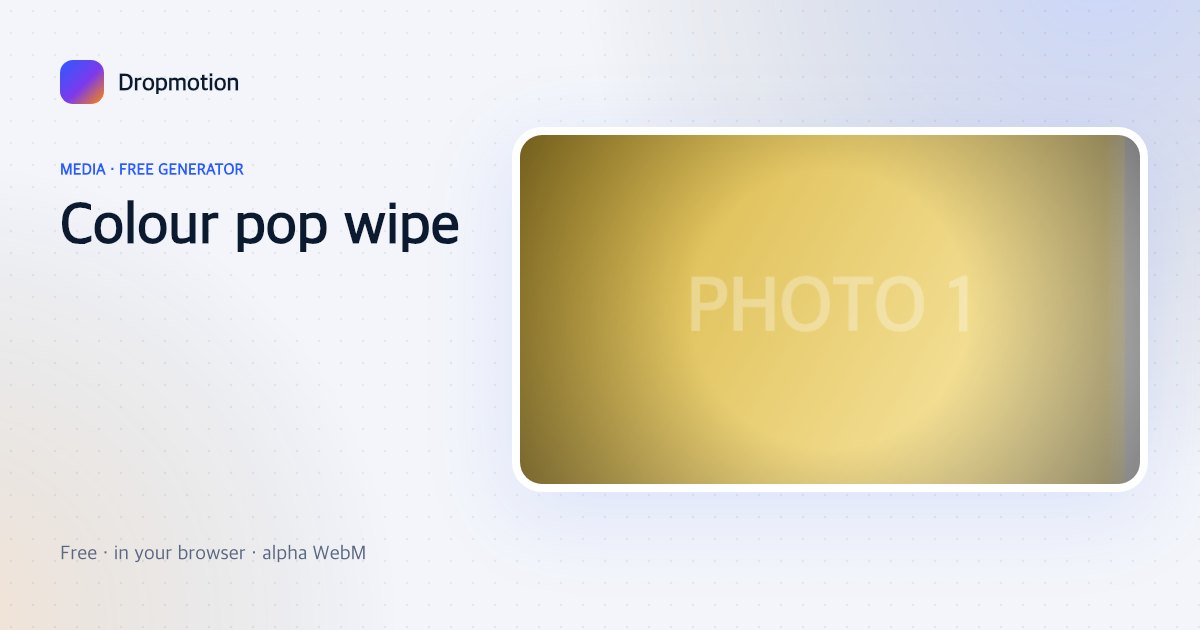
Colour pop wipe
A photo starts in black and white and colour wipes across it with a soft edge — the classic reveal.