Countdown, timer & loading animations
Make countdown, timer, loading bar, confetti and mouse-click animations in your browser with 30 utility generators, no After Effects or install. Type your text or numbers, pick colours and export a green screen or solid-colour video, a PNG still, or a transparent WebM in HD (Chrome/Edge), sized for YouTube, Shorts, Reels and TikTok. Every generator also runs live in OBS or Streamlabs as a browser source.
30 generators · free in your browser with unlimited 240p exports (watermarked) · HD from $3 for 10 exports · transparent WebM, green screen or PNG · 16:9, 9:16, 1:1 and strip.
Open the Studio →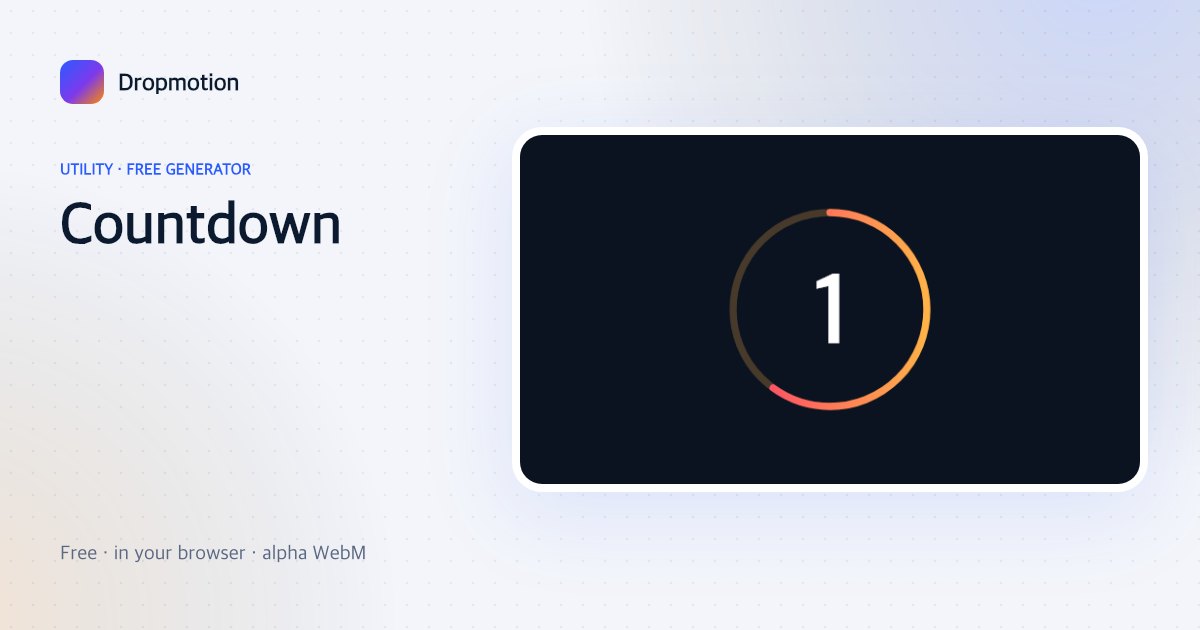
Countdown
3-2-1 or 10-to-GO. Ring, flip or zoom numbers.
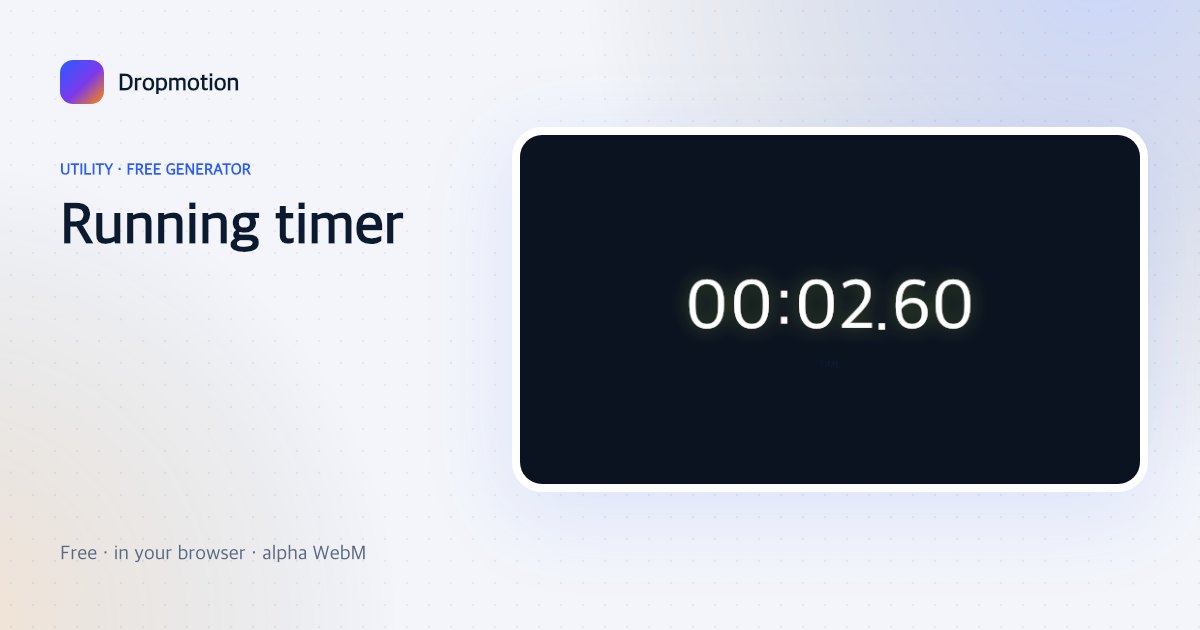
Running timer
A digital clock that counts up or down in real time — for challenges, cooking, “how long did this take”.
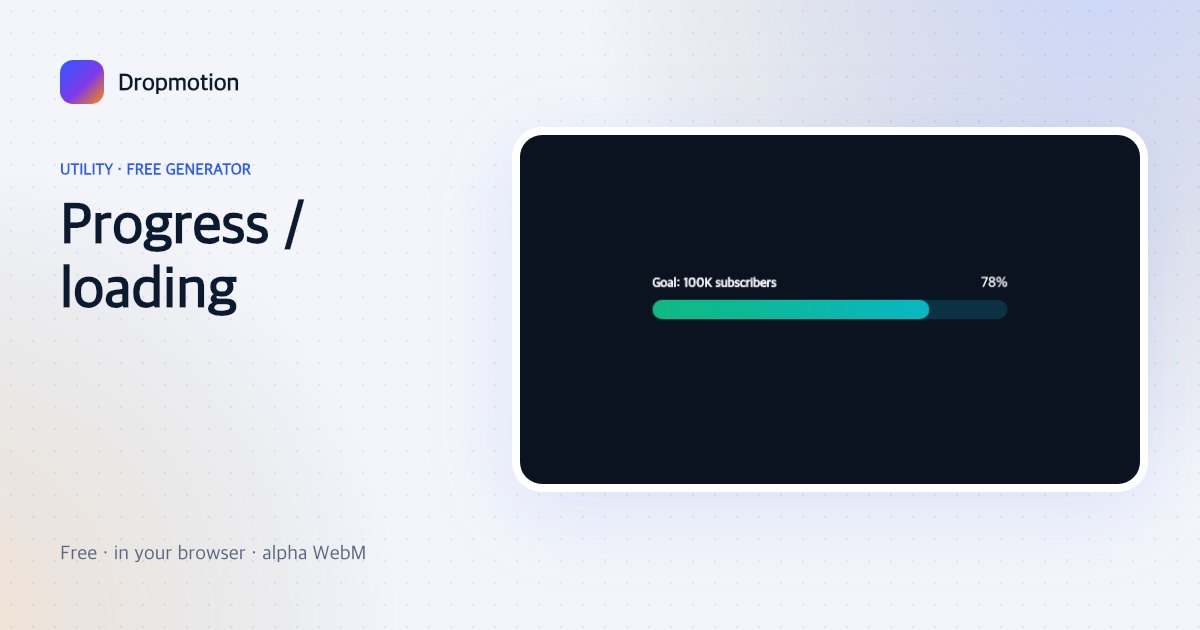
Progress / loading
A bar fills to your percentage with a counter — goals, fundraisers, “video 7 of 10”, loading screens.
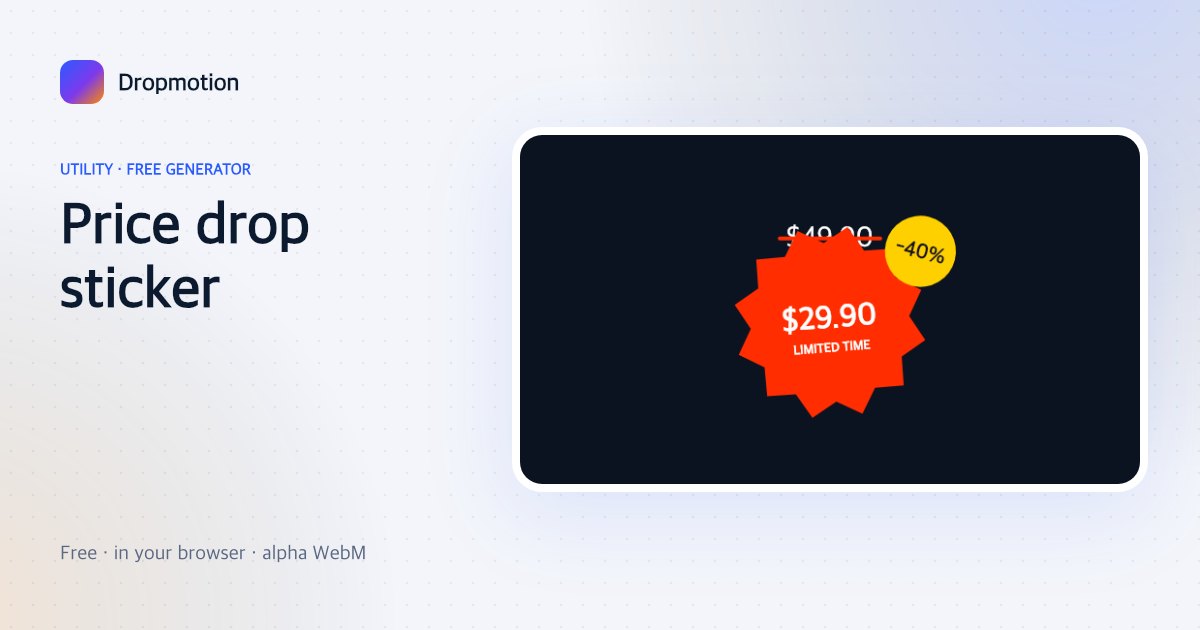
Price drop sticker
Old price gets struck through, the new price slams in on a starburst with “-40%”. Built for sellers.
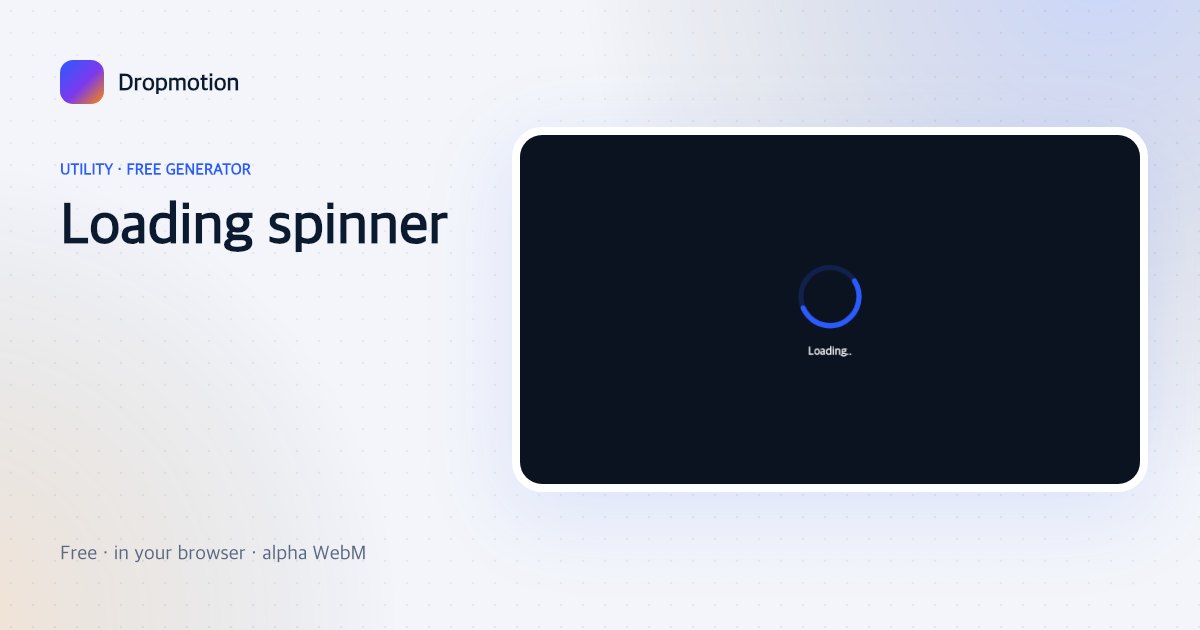
Loading spinner
Spinner, dots or a skeleton pulse with “Loading…” — comedy cutaways and real loading screens.
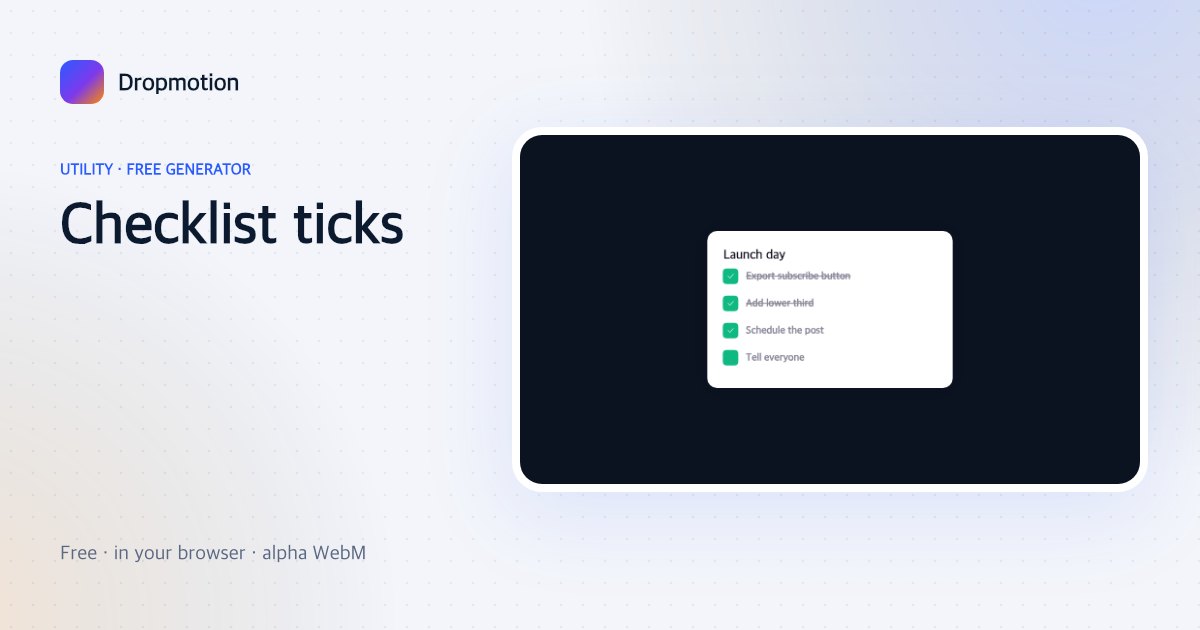
Checklist ticks
Items get ticked off one by one with a strike-through and a satisfying pop — routines, packing, to-dos.
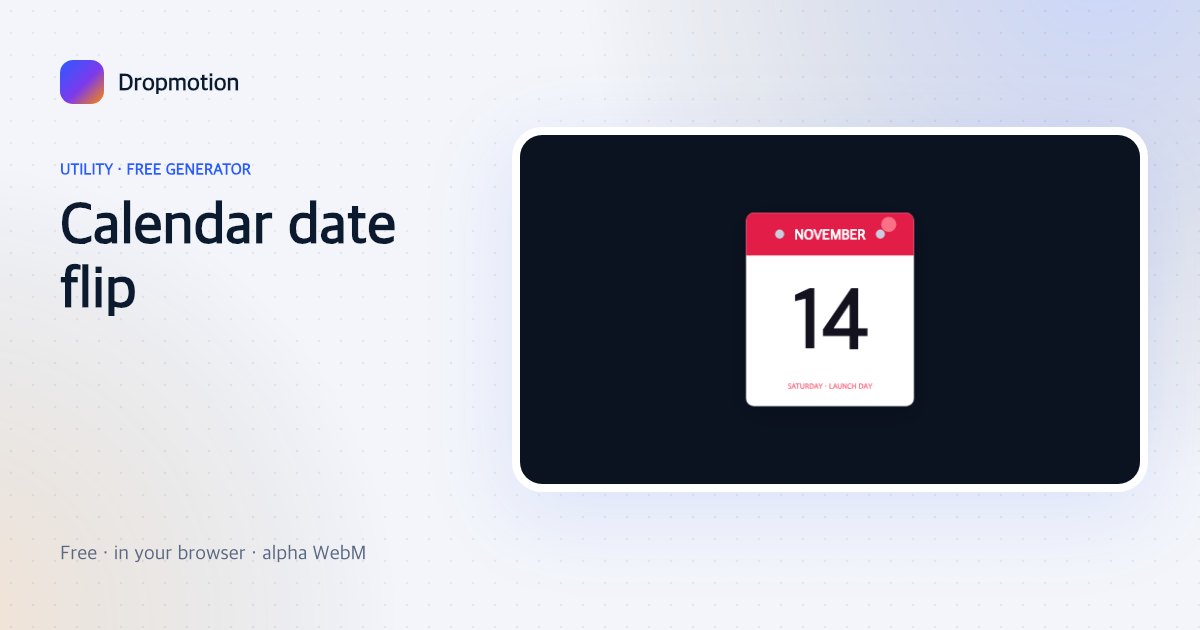
Calendar date flip
A tear-off calendar flips pages to land on your date — “save the date”, countdown-to-launch content.
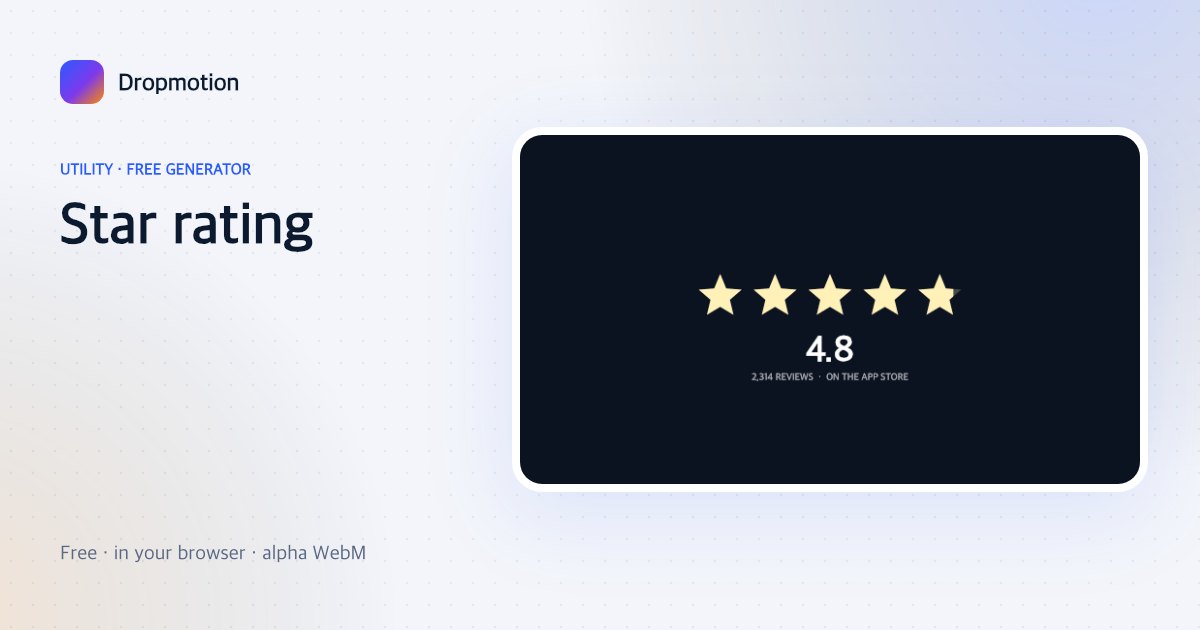
Star rating
Five stars fill to your rating with a number count-up and review count — product and app content.
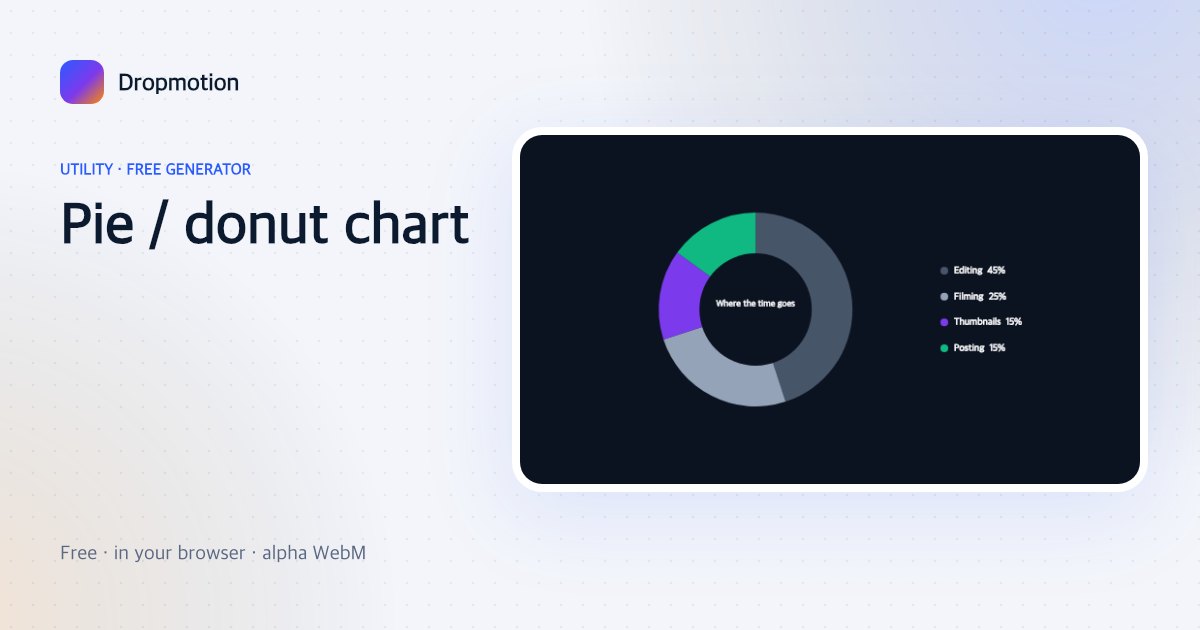
Pie / donut chart
Slices sweep in one after another with labels and a centre total — budgets, splits, survey results.
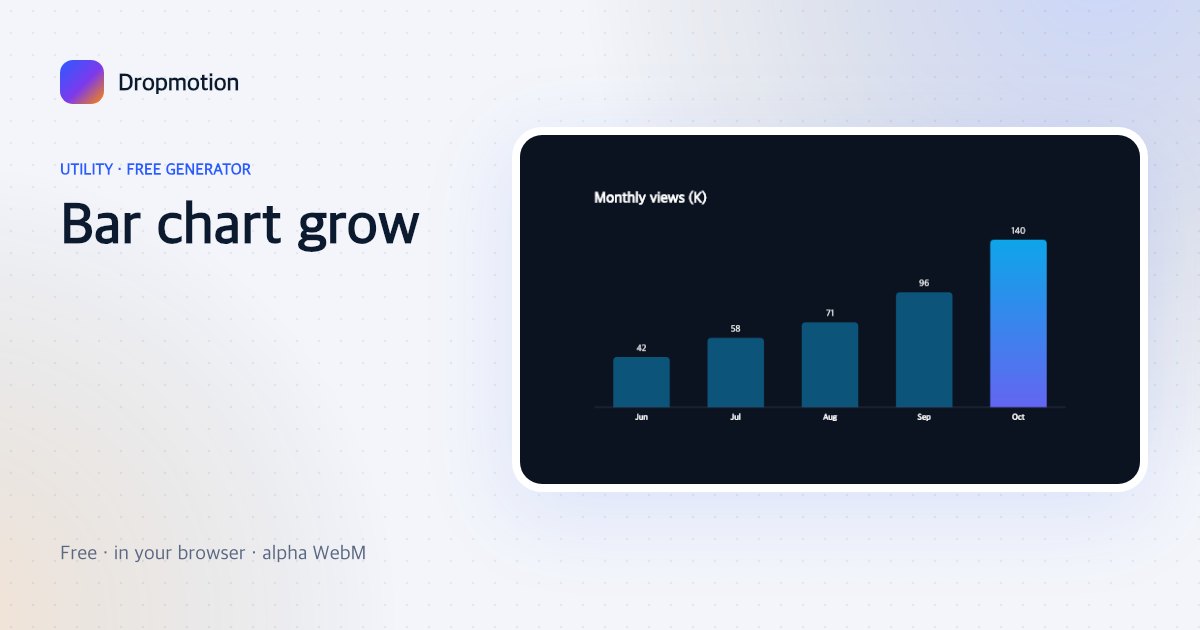
Bar chart grow
Vertical bars grow with value labels and a highlighted top bar — monthly numbers, before/after, rankings.
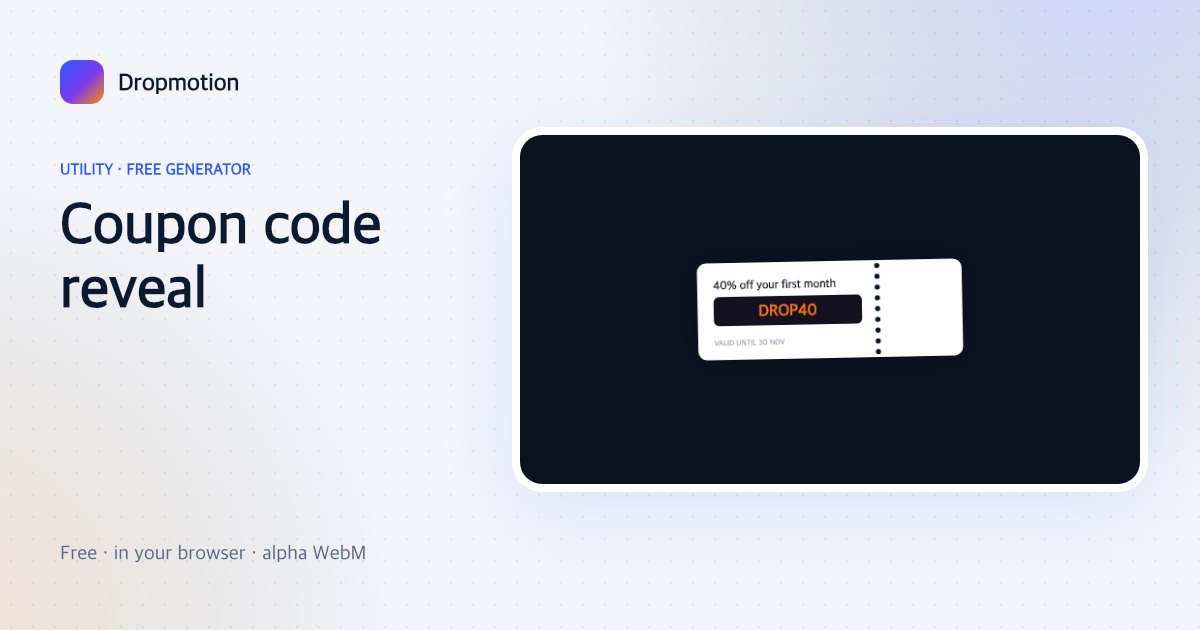
Coupon code reveal
A scratch-style strip wipes away to reveal your code, then a “copied” tick — promos and affiliate links.
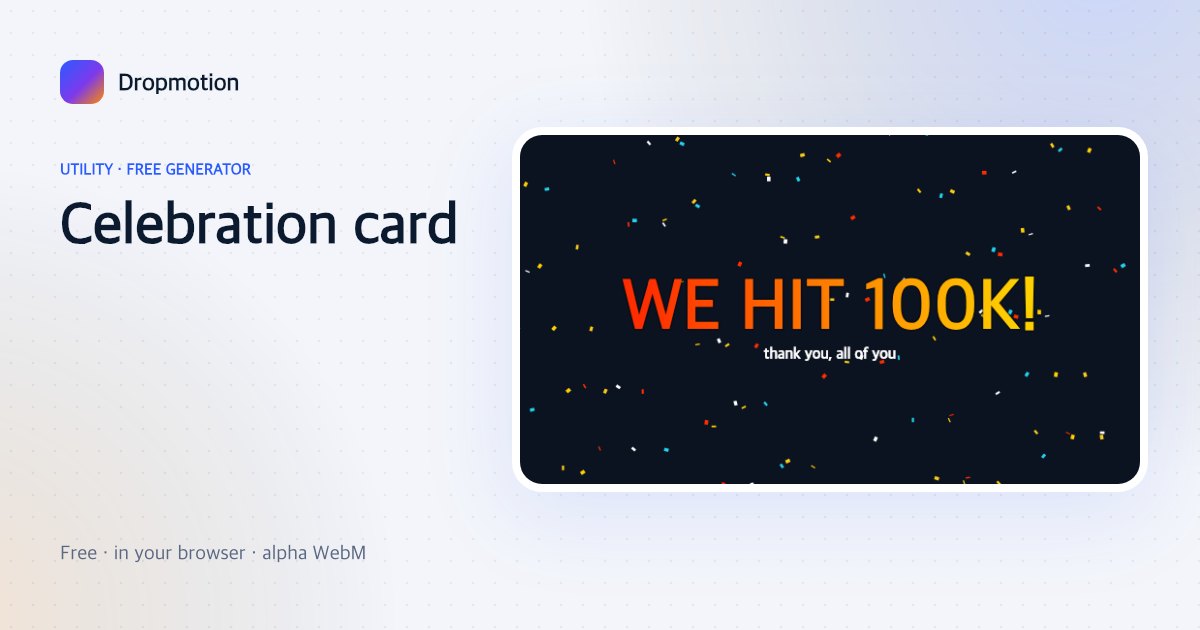
Celebration card
“HAPPY BIRTHDAY”, “WE HIT 1M”, “CONGRATS” — big text bounces in under a confetti shower.
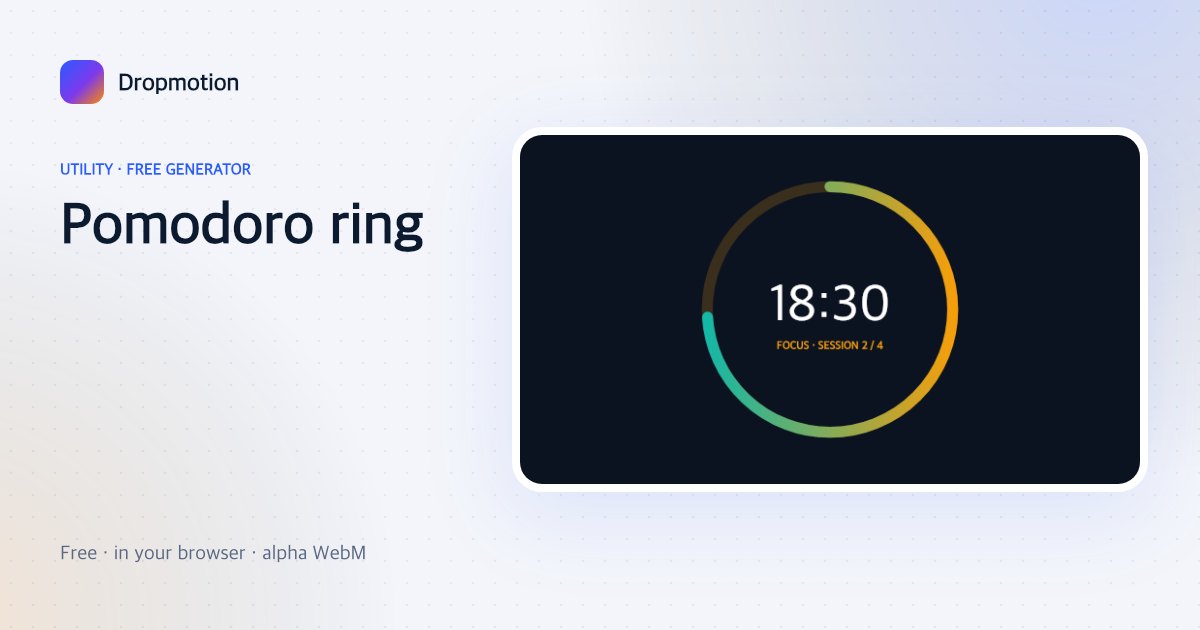
Pomodoro ring
A big minute:second ring that counts down with a session label — study-with-me and focus videos.
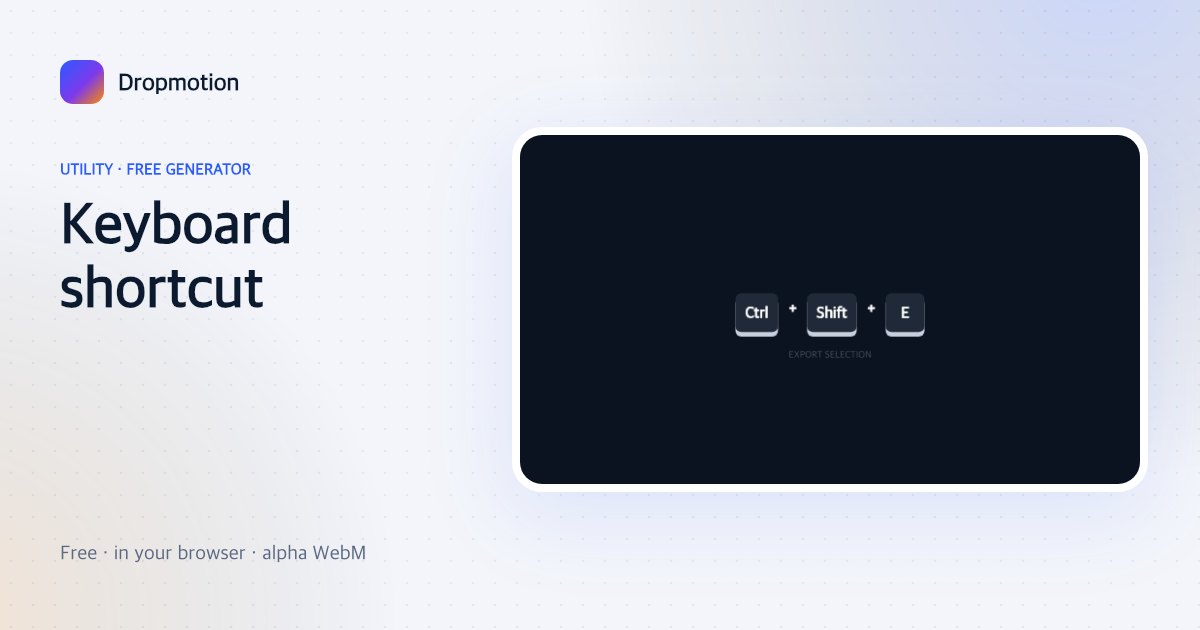
Keyboard shortcut
Keycaps press down one after another — “Ctrl + Shift + E” — for tutorials and tips.
Tooltip label
A tooltip with an arrow pops at a chosen spot on screen — annotate a button, a face, a detail.
Cursor click ripple
A cursor moves to a point and clicks with a ripple — screen-recording emphasis without the software.
Focus rectangle
Everything dims except a rectangle that draws itself around the thing to look at — tutorial focus.
Spotlight circle
A soft circular spotlight moves to a point and holds — reveal a detail, hide the rest.
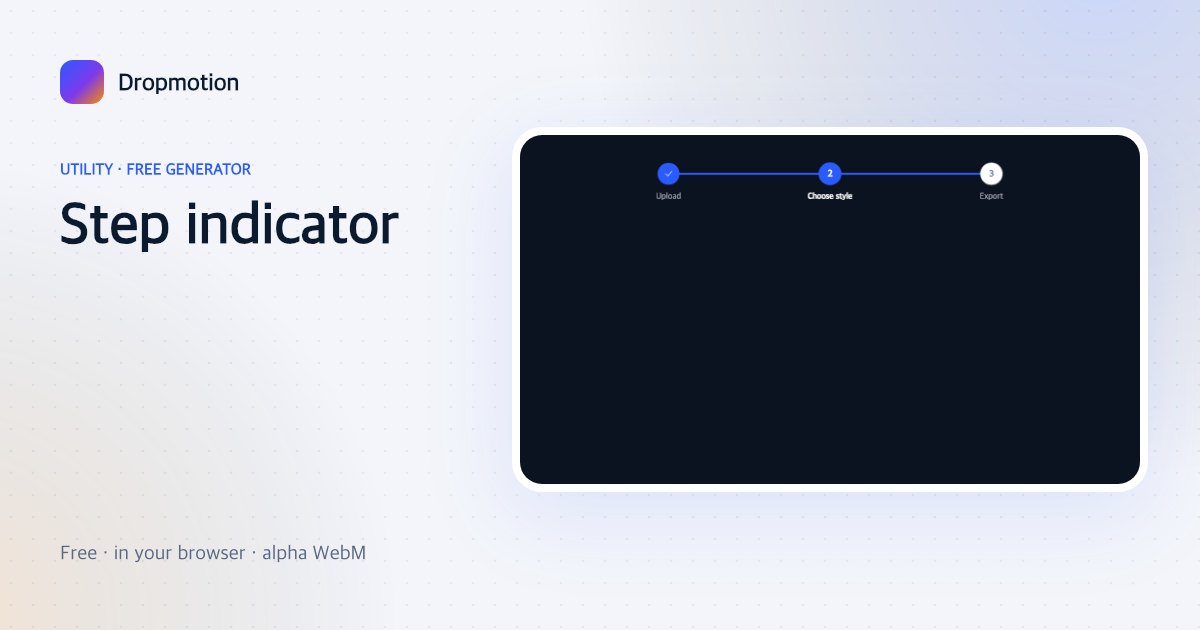
Step indicator
A step progress indicator advances through numbered dots with labels — multi-step tutorials.
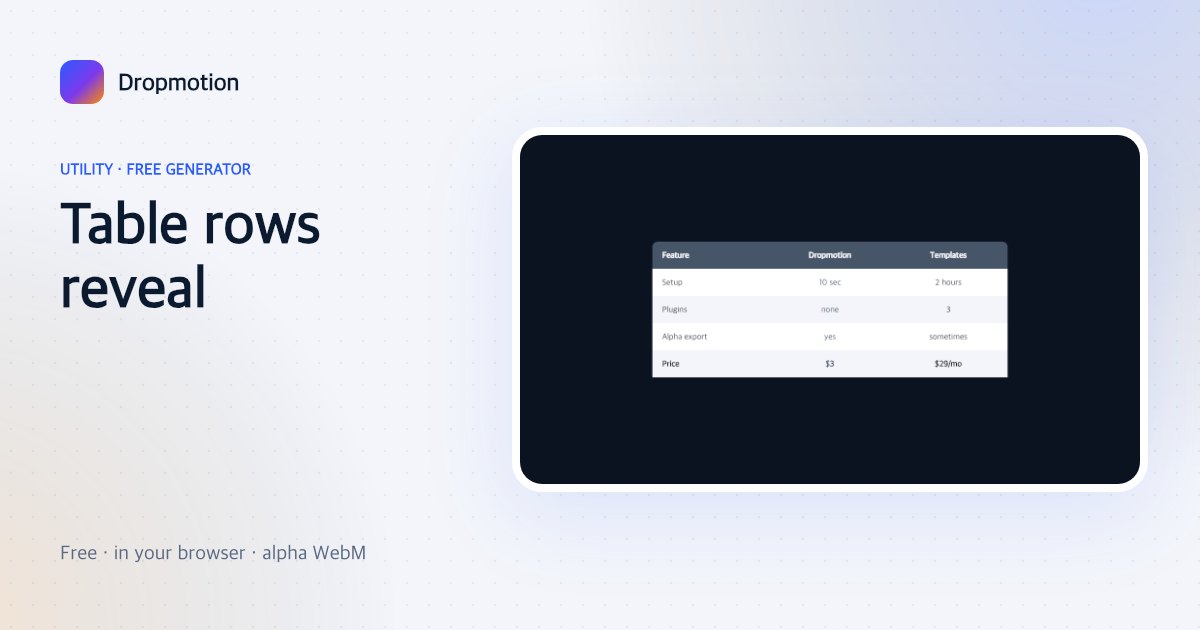
Table rows reveal
A clean comparison table whose rows slide in one by one — specs, pricing, before/after columns.
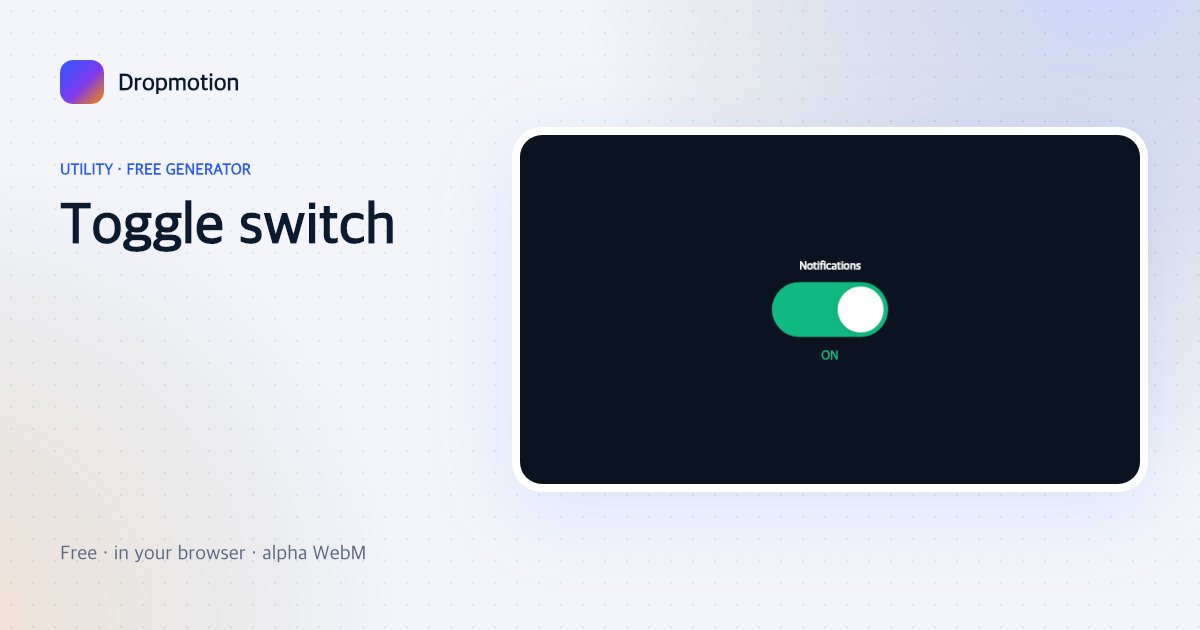
Toggle switch
A big switch flips on with a label change — “dark mode: on”, feature announcements.
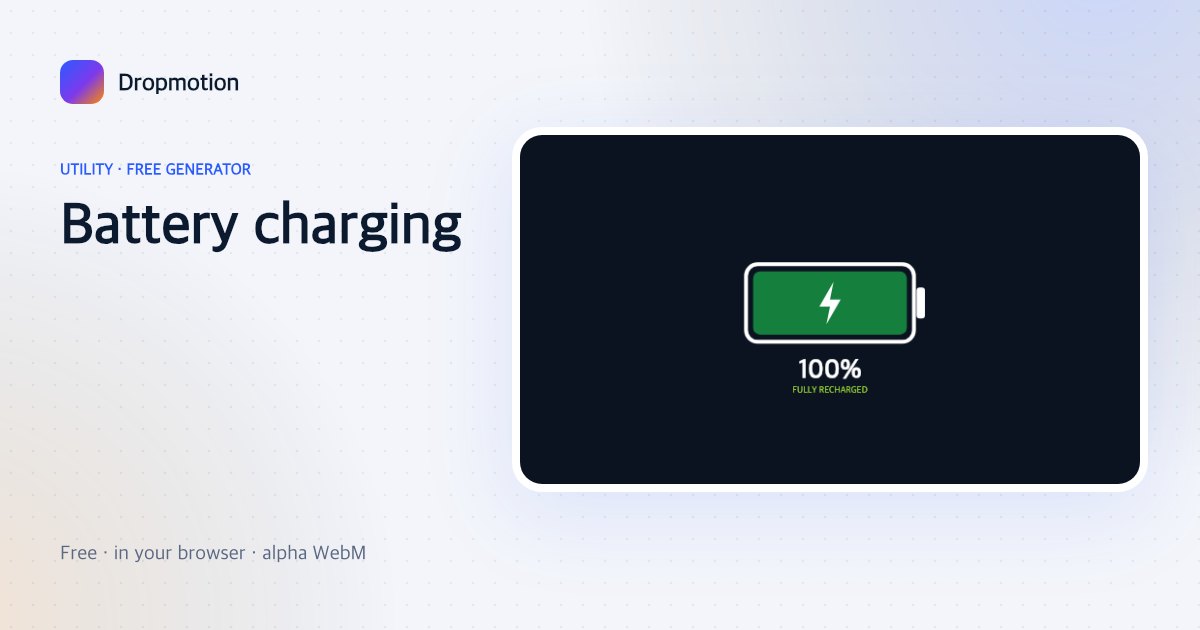
Battery charging
A battery fills with a lightning bolt and a percentage — “recharged”, energy, productivity content.
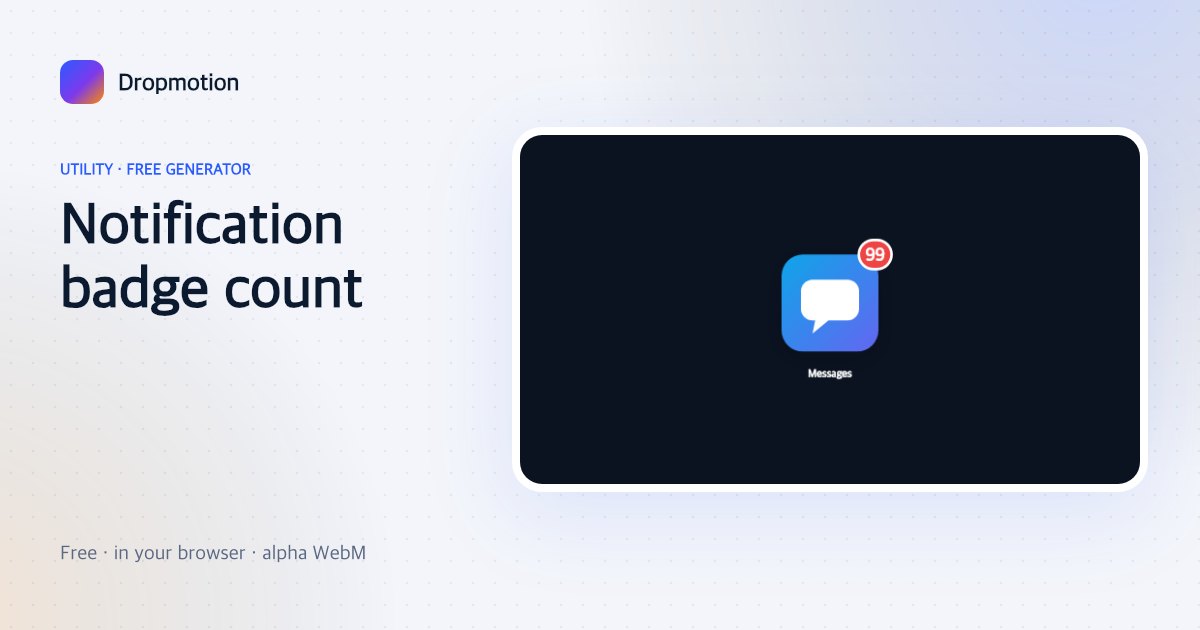
Notification badge count
An app icon with a red badge whose number ticks up — “99+ messages”, inbox-zero stories.
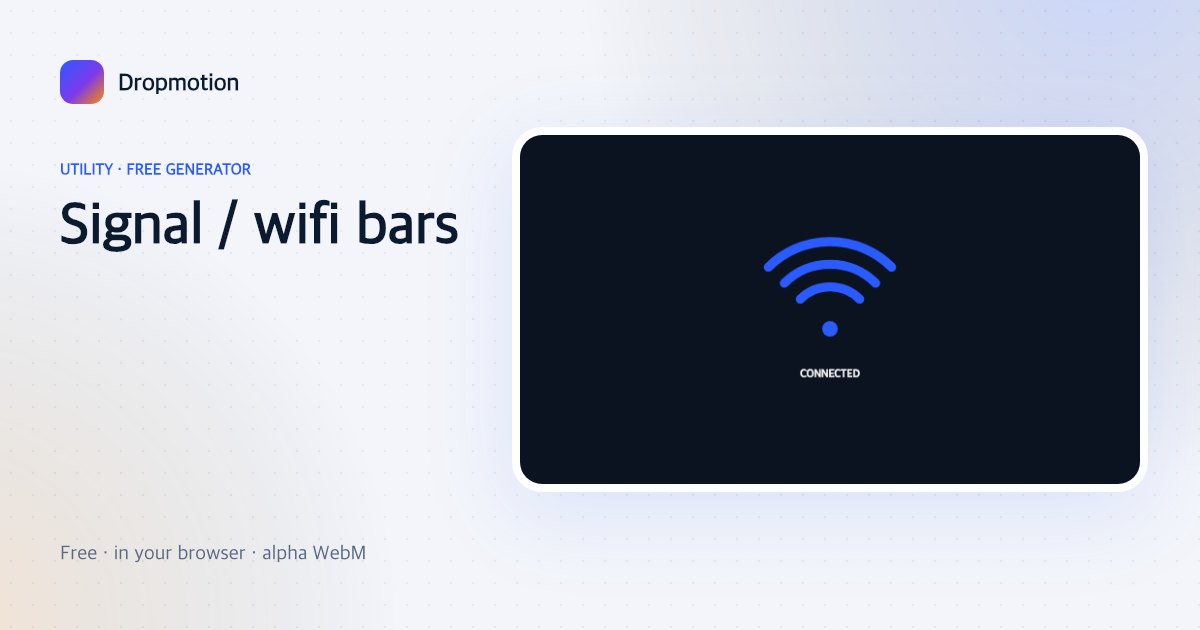
Signal / wifi bars
Wi-Fi arcs or signal bars fill up (or drop) with a label — connection jokes, speed tests, travel vlogs.
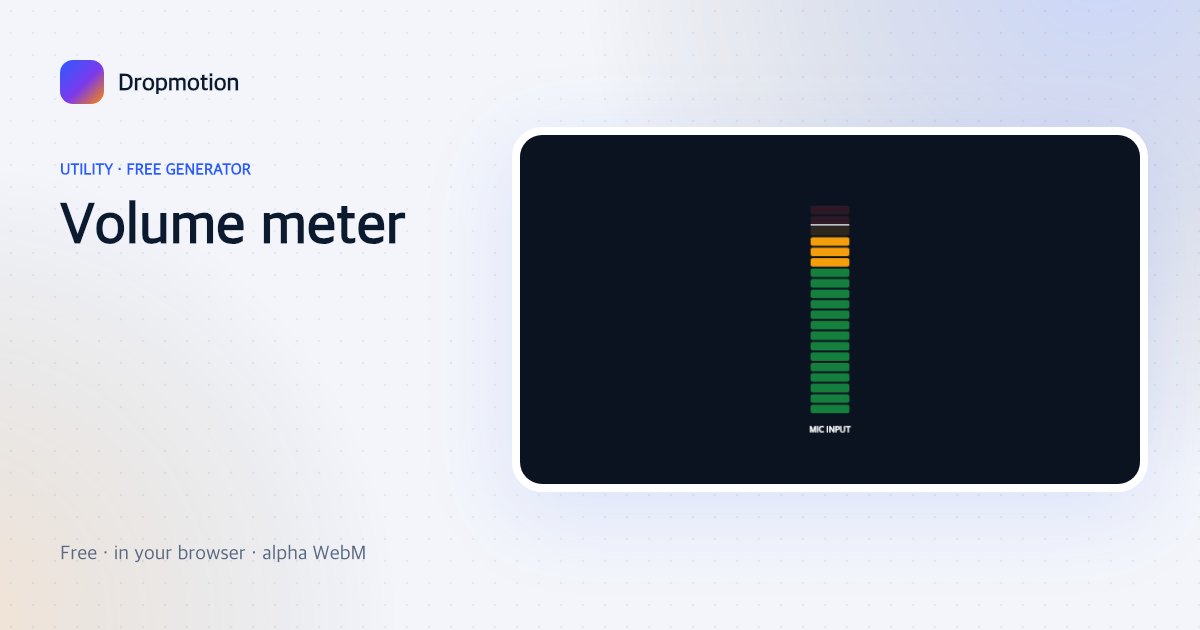
Volume meter
A VU-style level meter that bounces in the green and kisses the red — audio tutorials and mic tests.
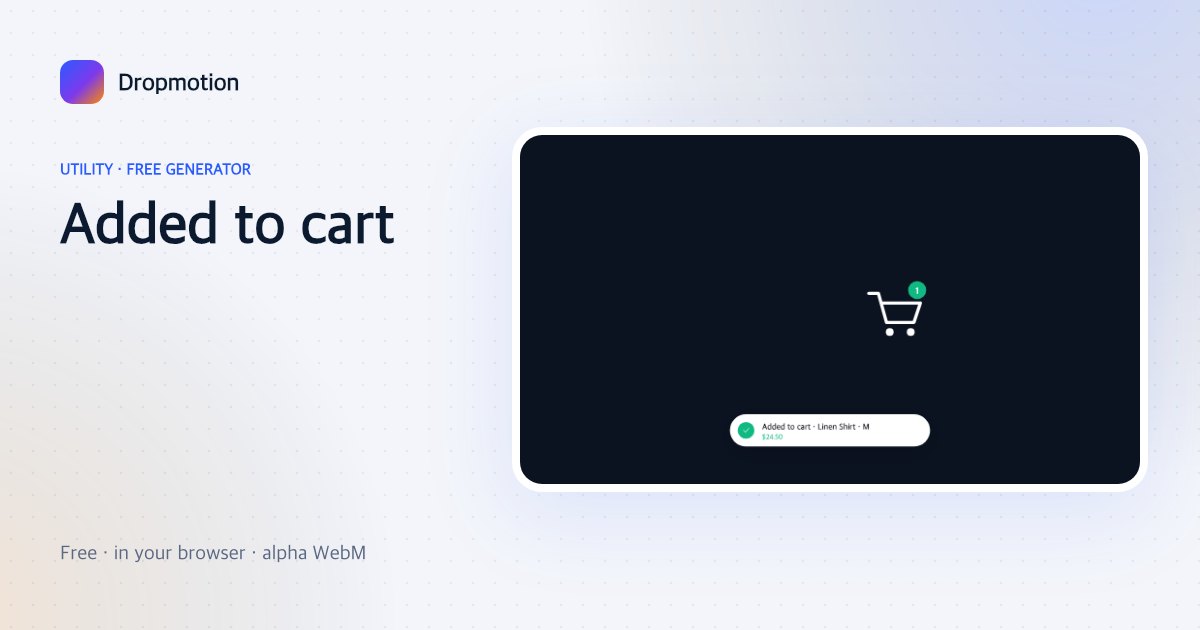
Added to cart
A product flies into a cart icon, the badge ticks up and an “Added ✓” toast slides in — e-commerce clips.
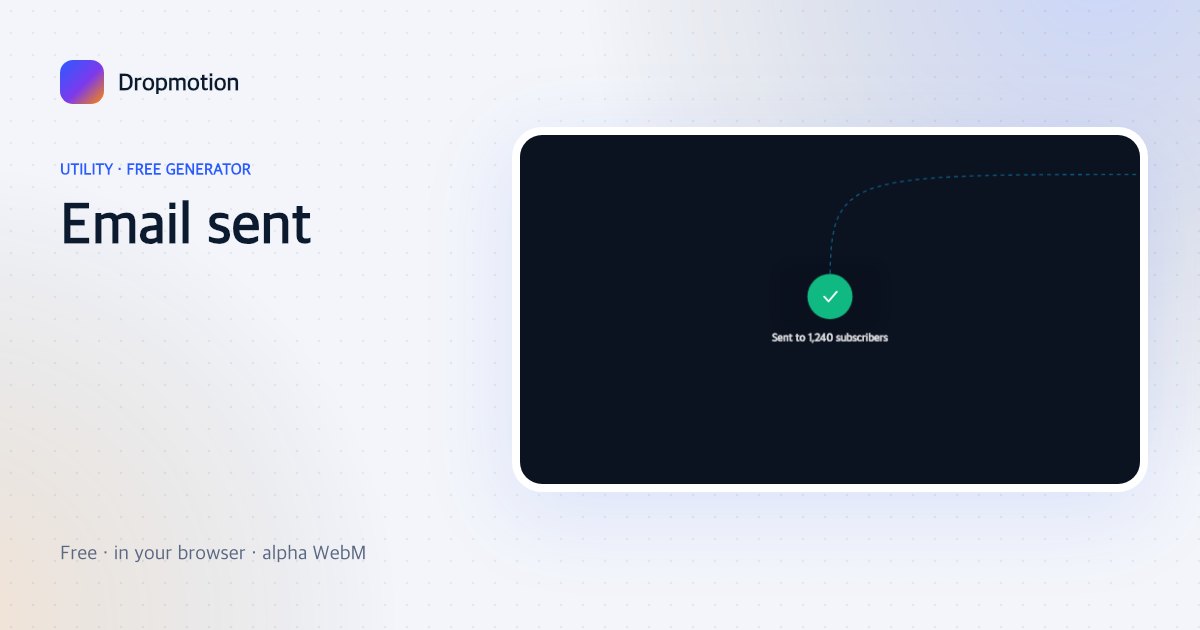
Email sent
An envelope seals, a paper plane flies off and “Sent ✓” pops — newsletters, outreach, confirmations.
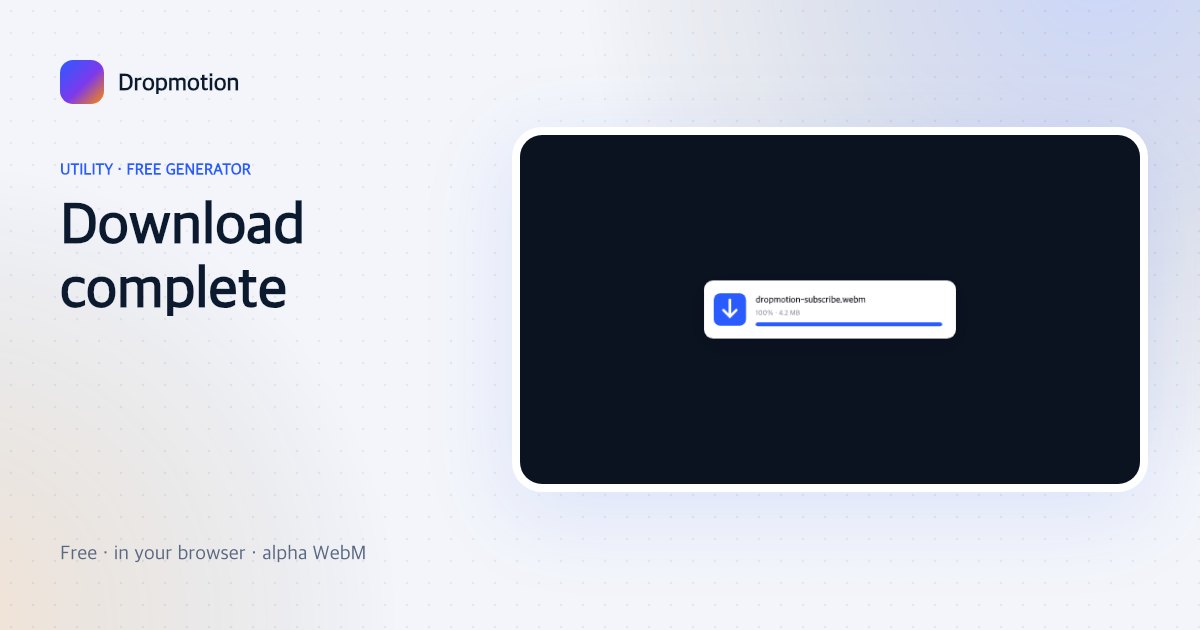
Download complete
A file card with a progress bar that fills, then morphs into a green check — tutorials and app demos.
Upload progress
A drop-zone with a file that lands, a circular progress and “Uploading…” to “Done” — product demos.
Like counter heartbeat
A heart beats and bursts while the like count rolls — the tiny overlay for “smash that like”.