A free After Effects alternative for overlays and text animation
After Effects is the professional standard for motion design. If what you need is a subscribe button, a lower third, a logo reveal or animated text for your next video, Dropmotion makes them in the browser with no timeline, no keyframes and no template to unpack, and you can download free files the same minute.
Try it free →After Effects and Dropmotion side by side
| After Effects | Dropmotion | |
|---|---|---|
| How hard is it | Install the app, learn layers, keyframes and expressions, edit a template, then render | Open a generator in your browser, type your text, download: most files in under a minute |
| Price | US$22.99 a month (annual plan, billed monthly); 7-day free trial | Free downloads, up to 10 a day with a small mark; $3 day pass or Unlimited $9 a month for clean files |
| How you work | Desktop app: timeline, layers and keyframes, or edit a template | In the browser: type your text, pick colours, download |
| Templates | Bought or downloaded separately, then edited in the app | 320 generators built in, each opens ready to use |
| Transparent output | Yes, via render settings | Transparent WebM (Chrome, Edge) or green screen, one click |
| Live overlay for OBS | No | Real-time OBS Browser Source link |
| Custom motion design | Anything you can build | No — each generator is a finished animation you customise |
After Effects details from its own pages, checked 28 November 2026: https://www.adobe.com/products/aftereffects/plans.html. Prices and limits change; check them before you decide. After Effects is a trademark of its owner; Dropmotion is not affiliated with it.
What After Effects does well
After Effects can build any motion graphic you can imagine, with keyframes, expressions, 3D, plugins and a huge template ecosystem.
Which one to choose
Choose After Effects if you design custom motion from scratch or need full control over every frame. Choose Dropmotion if you want a ready overlay or text animation for your edit in a minute, without learning a timeline or paying for a subscription.
Dropmotion generators for what people make on After Effects
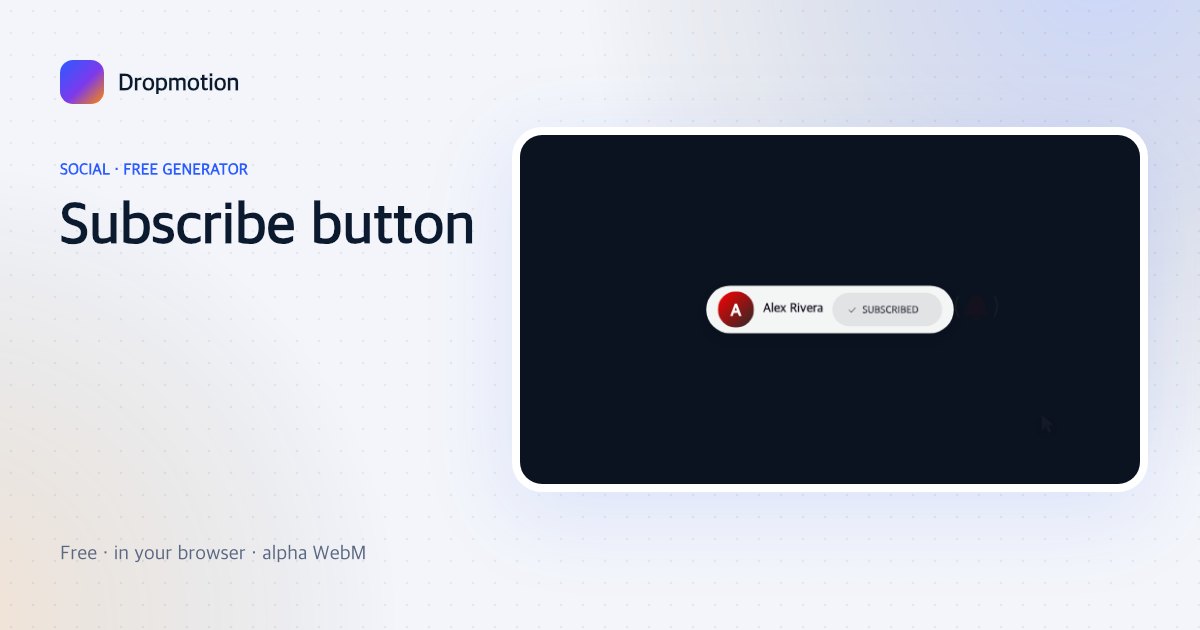
Subscribe button
Subscribe button — Channel card pops in, a pointer clicks, the bell rings. The most-searched overlay on YouTube.
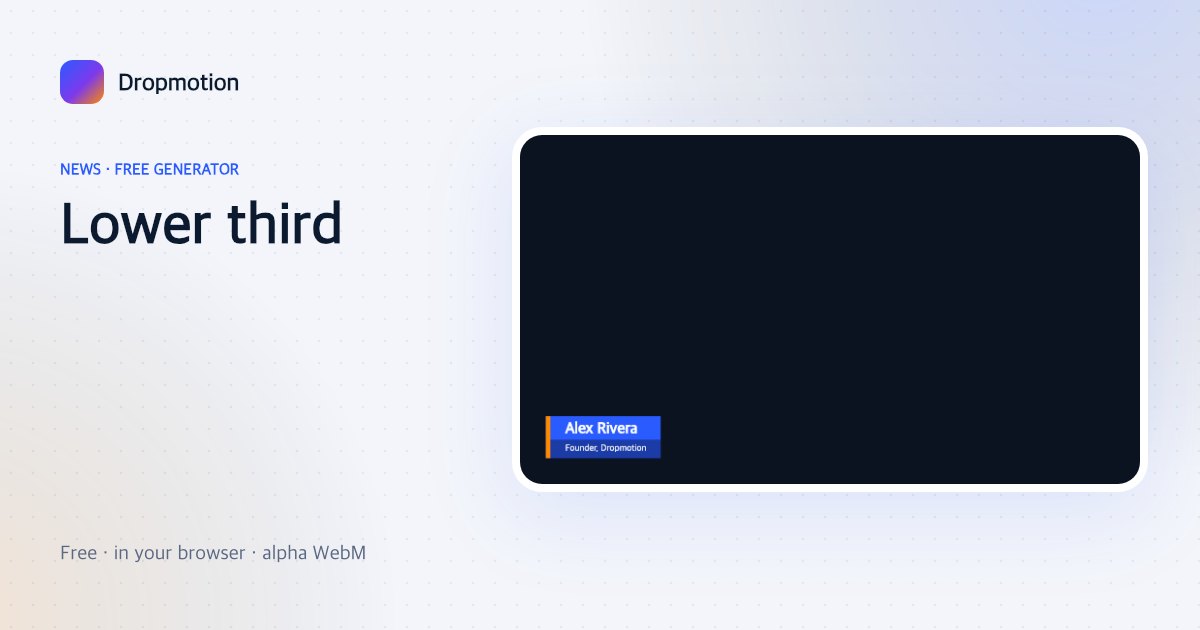
Lower third
Lower third — Name and title for interviews, podcasts, OBS streams. Slides in, holds, slides out.
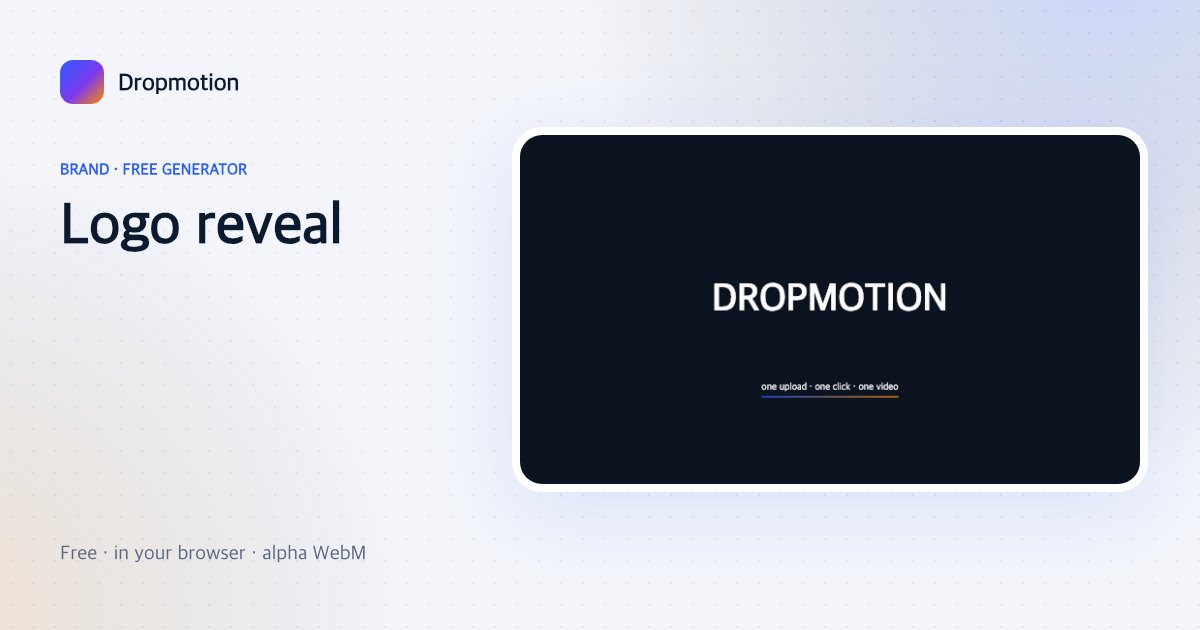
Logo reveal
Logo reveal — Upload a logo (or type a name). Four reveal styles, tagline optional.
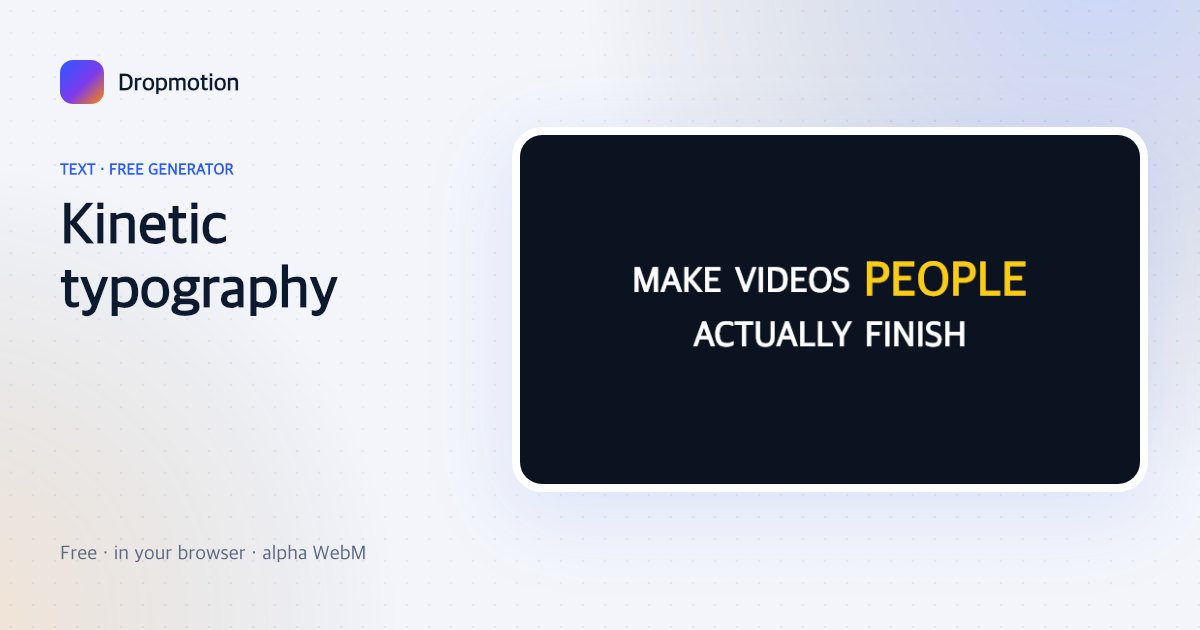
Kinetic text animation
Kinetic typography — Each word slams in big, one after another, with alternating weights and colours.
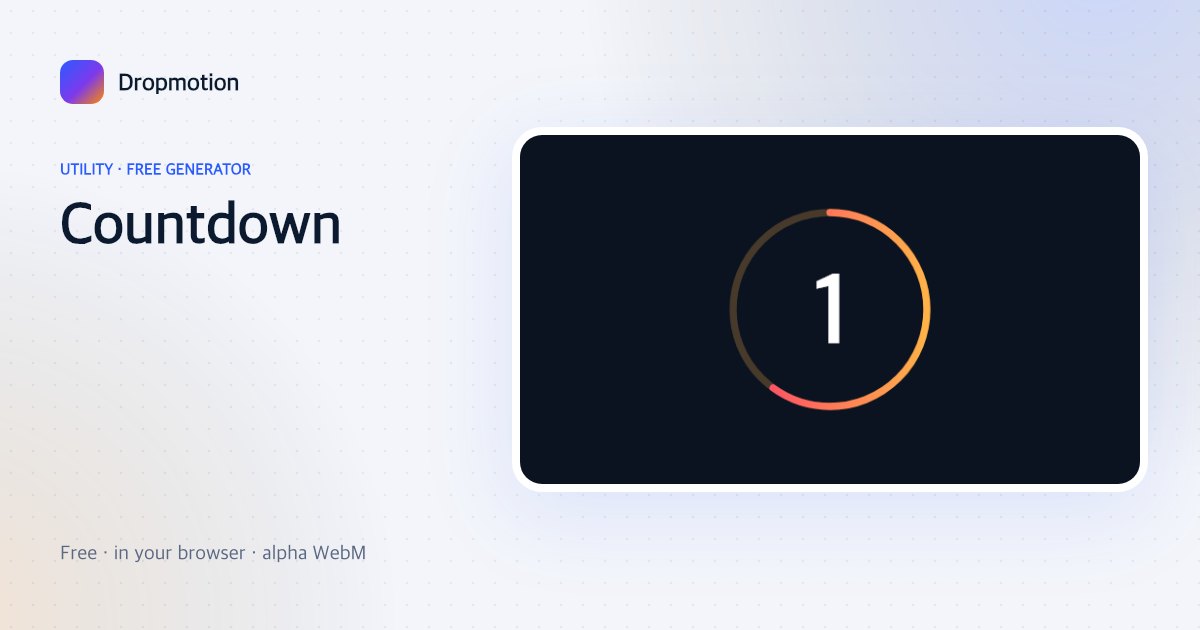
Countdown
Countdown — 3-2-1 or 10-to-GO. Ring, flip or zoom numbers.
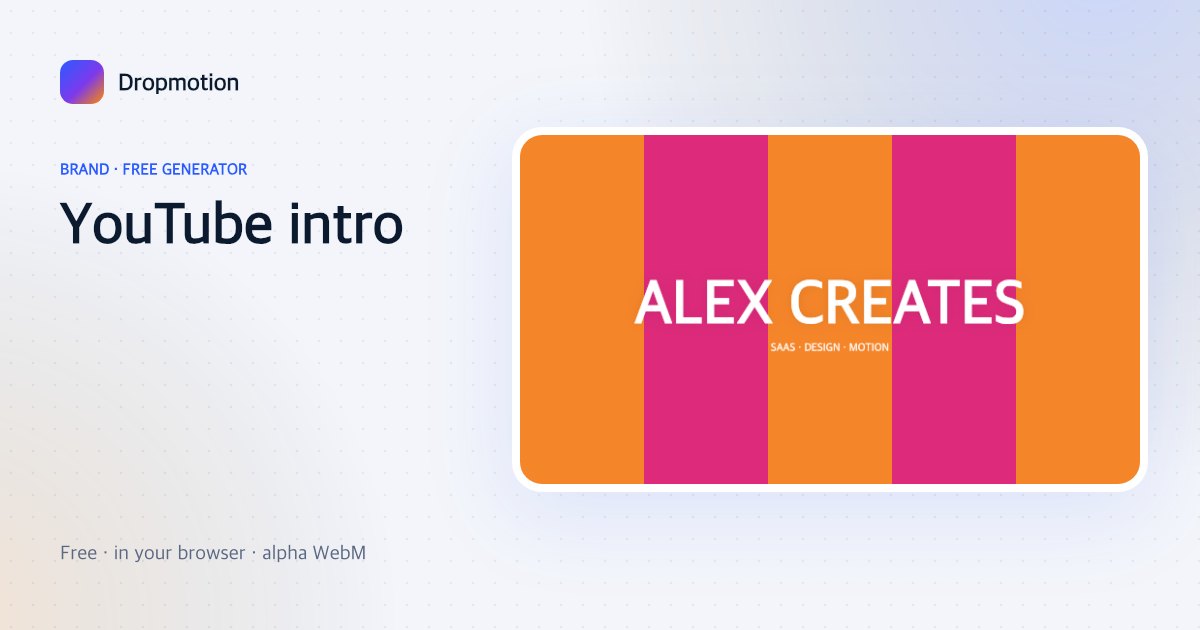
YouTube intro
YouTube intro — Colour bars wipe, channel name slams in, logo sits in the corner — a 3-second intro.
Questions
Is there a free After Effects alternative for text animation?
Dropmotion has dozens of text animations, including kinetic typography, typewriter and glitch text, that you type into and download free, up to 10 a day with a free account and up to 1080p. Free files carry a small dropmotion.io mark and a banner; a $3 day pass removes them for 24 hours.
Can I use After Effects templates in Dropmotion?
No. Dropmotion does not open .aep files. Each generator is a ready animation drawn in your browser that you customise with your text, logo, colours and size, then download as MP4, transparent WebM, green screen, GIF or PNG.