A Kapwing alternative for animated text, countdowns and overlays
Kapwing is a full online video editor. If you only need an animated element, like moving text, a countdown, a progress bar or a subscribe button, Dropmotion makes it in one click with no project to set up, and the free download is up to 1080p.
Try it free →Kapwing and Dropmotion side by side
| Kapwing | Dropmotion | |
|---|---|---|
| How hard is it | Start a project in a full editor, add and animate elements on a timeline, then export | Open a generator, type your text, download: the animation is already made |
| Free tier | Unlimited exports with a watermark, 720p, up to 4 minutes per export, 30 export-minutes a month | Free downloads: Up to 10 a day with a free account, up to 1080p, with a small dropmotion.io mark under the animation and a banner along the bottom |
| Paid price | Pro $16 a month (no watermark, 4K); Business $50 a month | $3 day pass (24 hours unlimited) or Unlimited $9 a month / $49 a year with 4K |
| Transparent overlay | Not listed among its export options | Transparent WebM (Chrome, Edge) or green-screen MP4 |
| Live overlay for OBS | No | Real-time OBS Browser Source link |
| Edits your own footage | Yes | No — Dropmotion makes animations only |
Kapwing details from its own pages, checked 28 November 2026: https://www.kapwing.com/pricing · https://www.kapwing.com/tools/make/animated-logo. Prices and limits change; check them before you decide. Kapwing is a trademark of its owner; Dropmotion is not affiliated with it.
What Kapwing does well
Kapwing edits your own footage: trimming, subtitles, resizing, collaboration and AI tools in one editor.
Which one to choose
Choose Kapwing if you need to edit your own video, add subtitles or work as a team. Choose Dropmotion if you need a ready animation or overlay to put on top of your edit.
Dropmotion generators for what people make on Kapwing
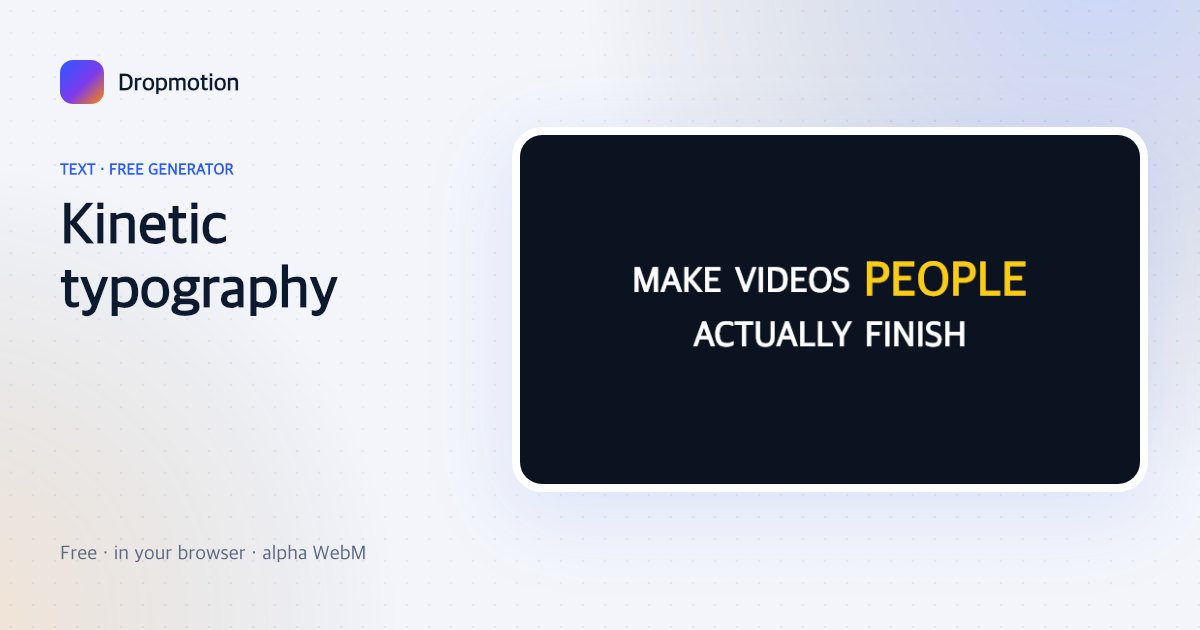
Animated text
Kinetic typography — Each word slams in big, one after another, with alternating weights and colours.
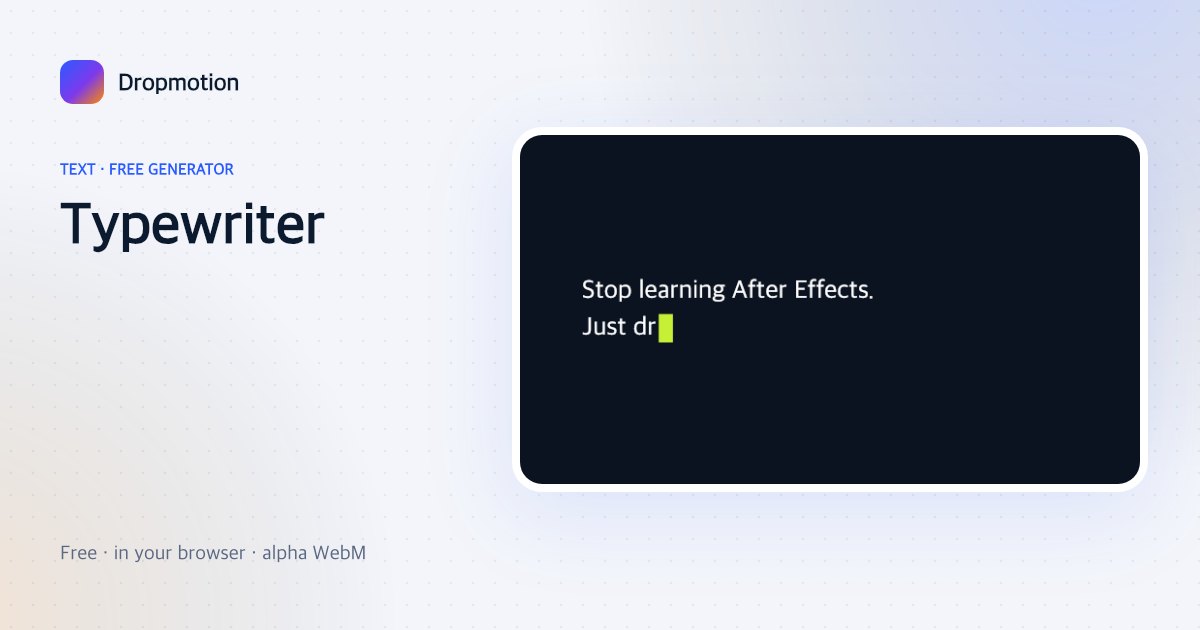
Typewriter text
Typewriter — Types your lines with a blinking cursor. Mono, serif or bold sans.
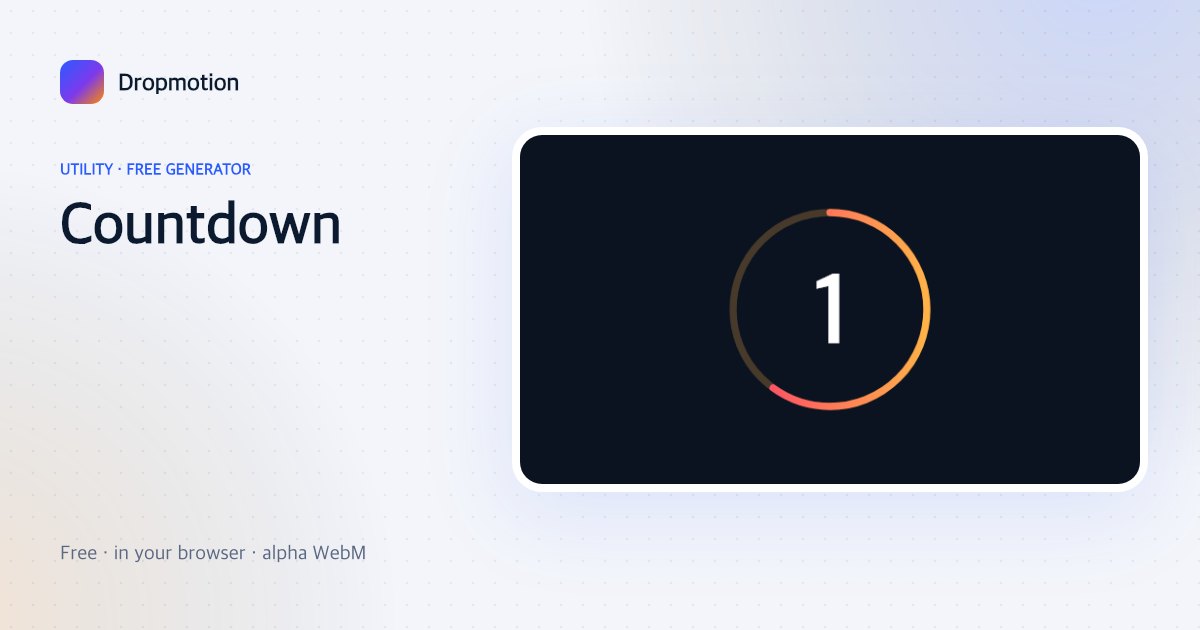
Countdown video
Countdown — 3-2-1 or 10-to-GO. Ring, flip or zoom numbers.
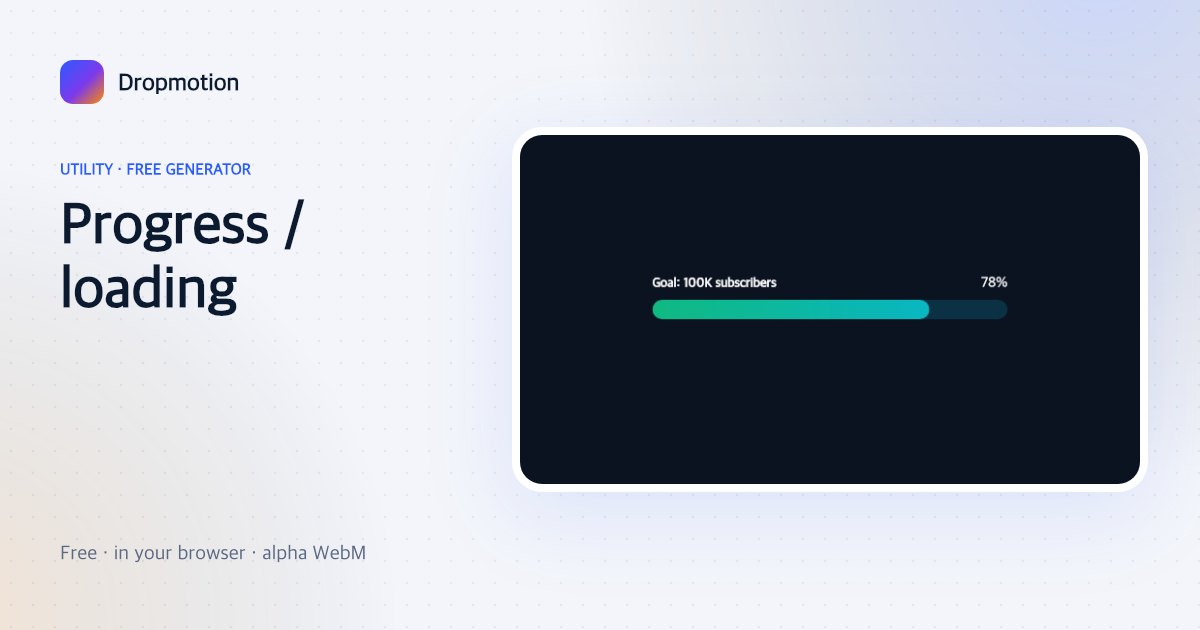
Progress bar overlay
Progress / loading — A bar fills to your percentage with a counter — goals, fundraisers, “video 7 of 10”, loading screens.
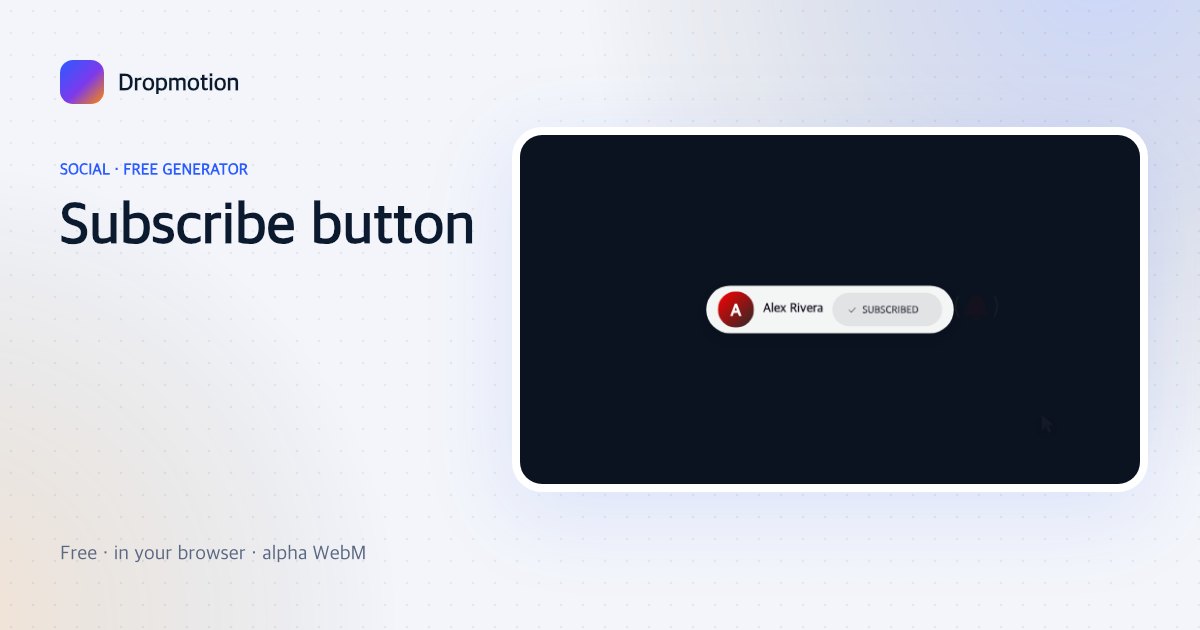
Subscribe button
Subscribe button — Channel card pops in, a pointer clicks, the bell rings. The most-searched overlay on YouTube.
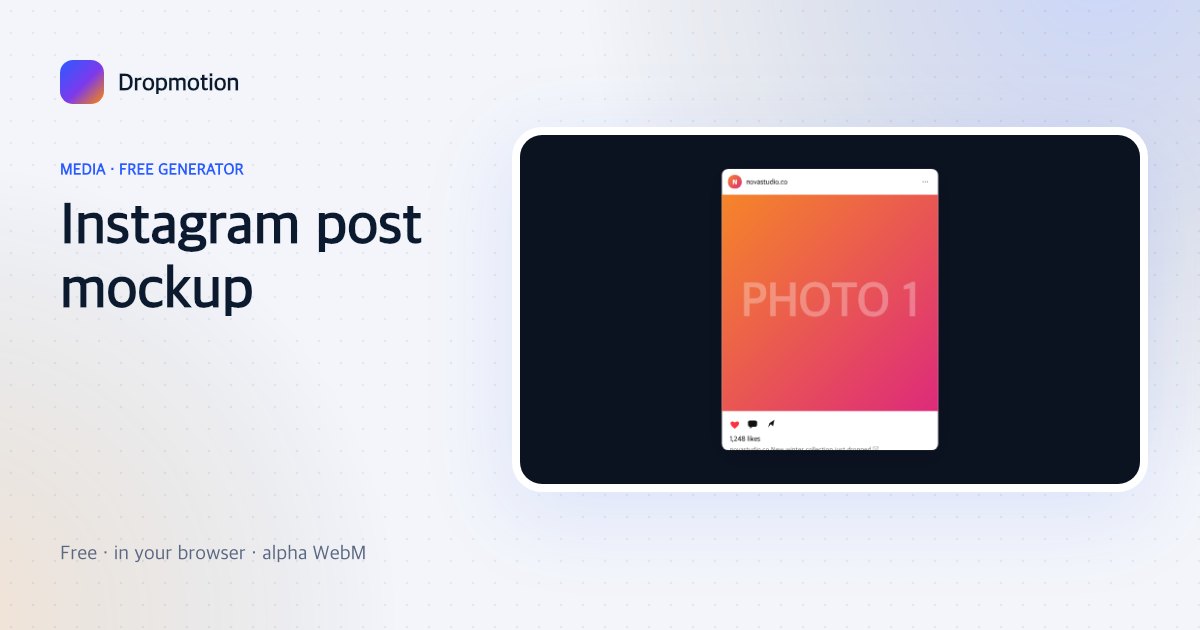
Instagram post animation
Instagram post mockup — Your photo inside a social post frame with avatar, likes counting up and a caption — content previews.
Questions
Is there a free Kapwing alternative for animated text?
Dropmotion has dozens of text animations you type into and download free, up to 10 a day with a free account and up to 1080p, with a small mark and a banner. GIF export is there too.
Can Dropmotion edit my video like Kapwing?
No. Dropmotion does not edit your footage; it makes the animated text, overlays and graphics you add on top of it in your editor.