Animated Twitch overlays, live in OBS
Facecam frames, live viewer badges, follow and subscribe reminders, polls, lower thirds, stingers and holding screens for Twitch, YouTube Live and Kick. Type your name, pick your colours, then paste the OBS live link as a Browser Source: the overlay plays live with a transparent background, and changing the text means editing the link, not exporting a new video.
11 overlays · free to make and use, with a small mark · clean from a $3 day pass · OBS live link, transparent WebM, green screen or GIF
Make an overlay →Live in OBS, not a video file
Every overlay on this page has an “OBS live link” in the Studio, under “More ways to use it”. Add it in OBS Studio or Streamlabs as Sources → Browser, at 1920×1080. It renders in real time with a transparent background, in your colours and text. Live links carry a small dropmotion.io mark unless your account has a day pass or Unlimited. You can also download any overlay as a transparent WebM, a green-screen MP4 or a GIF.
Before, between and after the stream
Countdown
A big countdown to the moment you go live.
Logo idle loop
Your logo floating or pulsing on a holding screen.
On screen while you are live
Picture-in-picture frame
A glowing facecam frame with your name and a LIVE dot.
Live viewer badge
A pulsing LIVE badge with a viewer count.
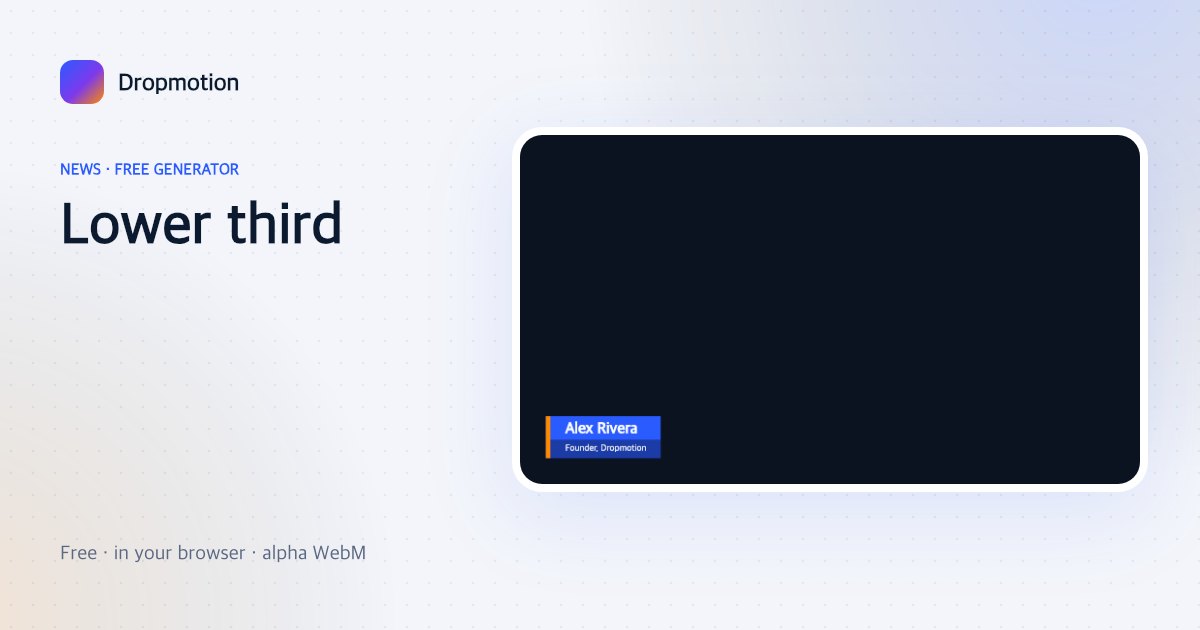
Lower third
Your name and handle, or a guest’s, on a clean bar.
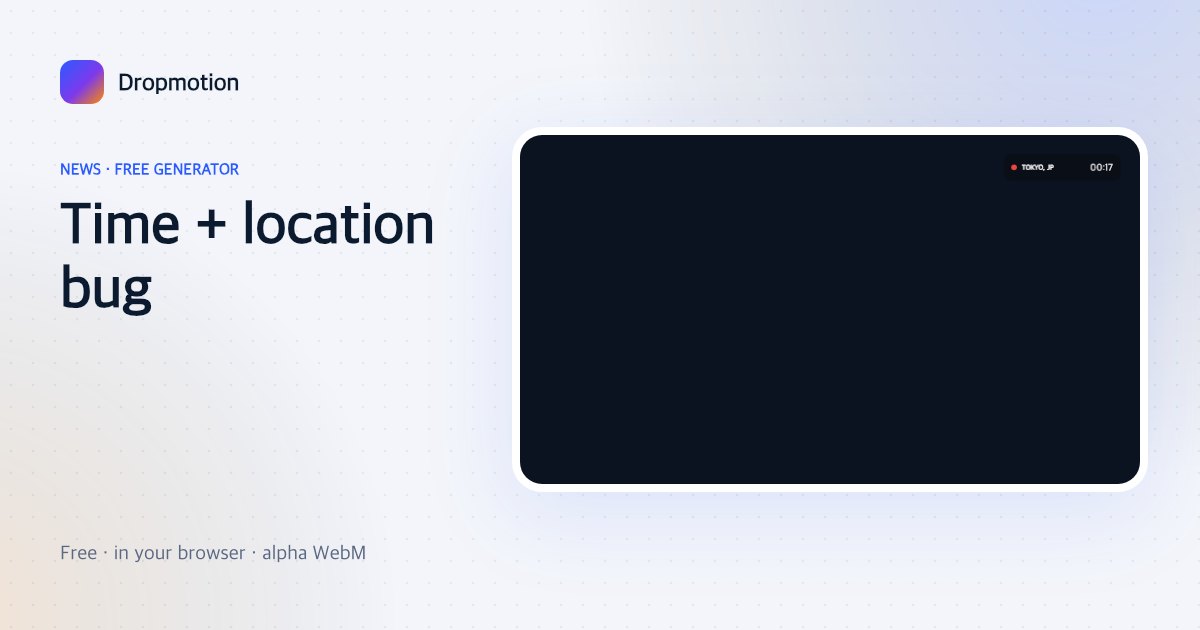
Time + location bug
City, live local time and a LIVE dot for IRL streams.
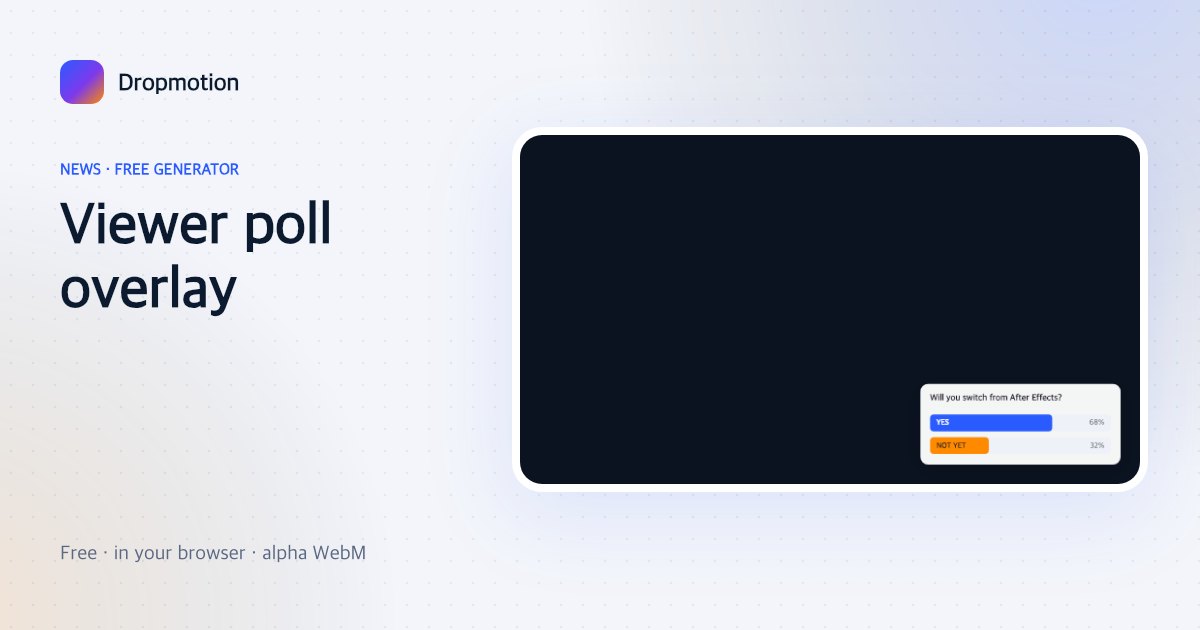
Viewer poll overlay
A two-option poll overlay for chat votes.
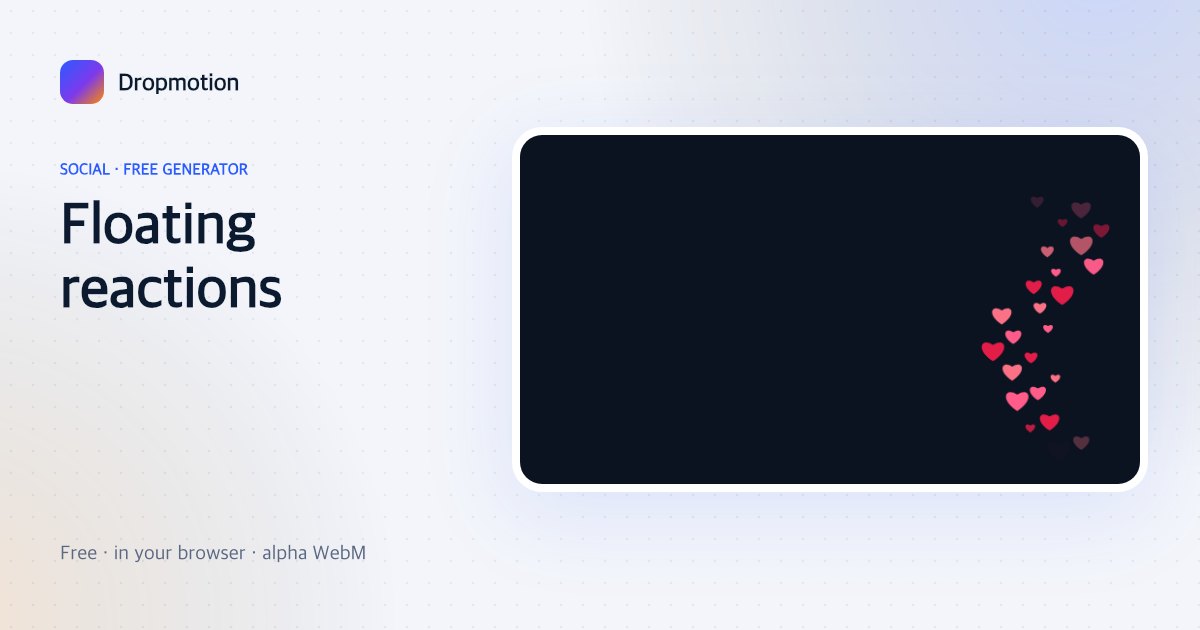
Floating reactions
Reactions floating up from the corner.
Alerts, reminders and transitions
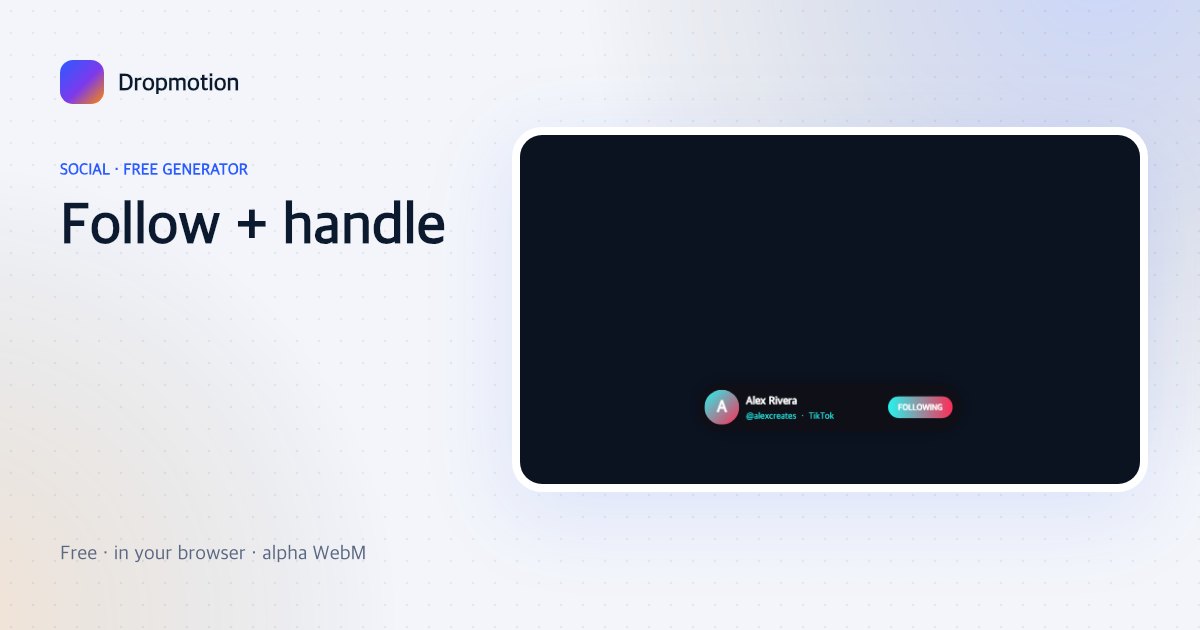
Follow + handle
Your handle with the platform icon and a Follow button that fills.
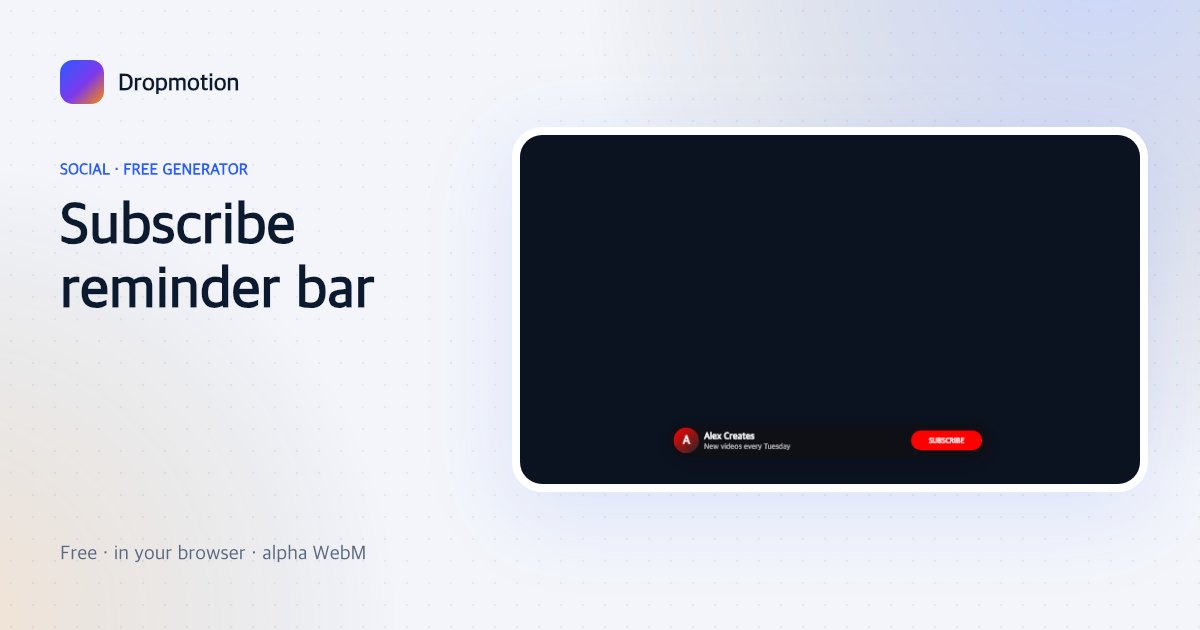
Subscribe reminder bar
A slim subscribe reminder bar along the bottom.
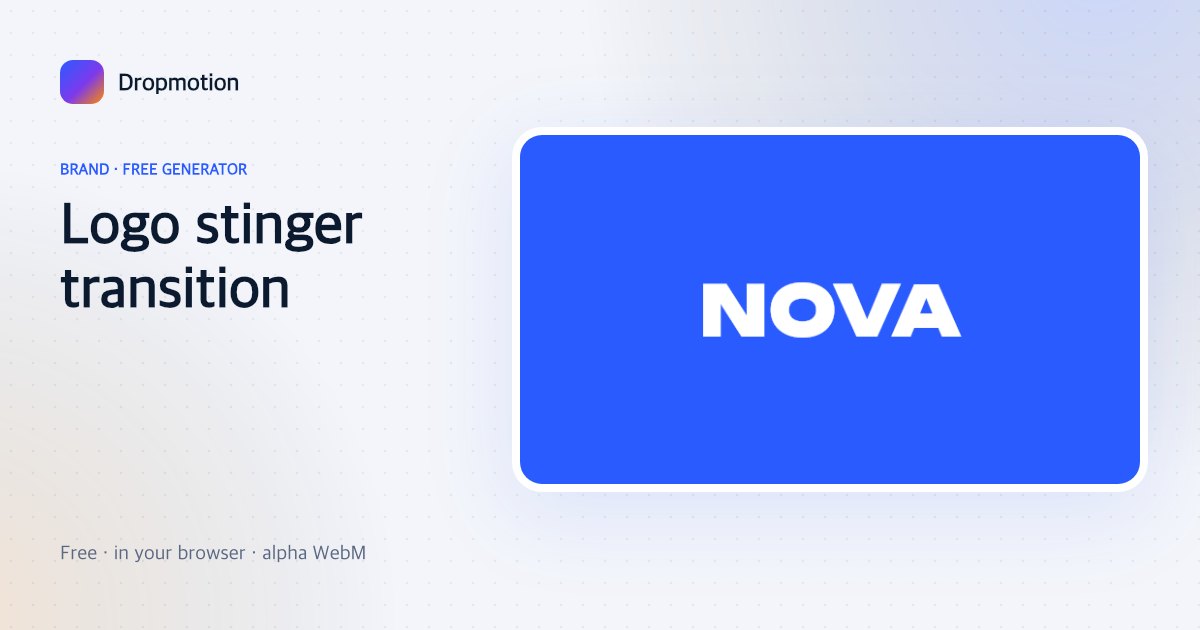
Logo stinger transition
A logo stinger to cover scene changes.
How to add an overlay to your stream
- Open an overlay below and type your name, handle or title.
- Pick a colour scheme or set your own colours.
- Copy the “OBS live link” and add it in OBS or Streamlabs as a Browser Source at 1920×1080, or download a transparent WebM or green-screen MP4.
Questions
How do I add a Dropmotion overlay to OBS?
Open the overlay, set your text and colours, then press “OBS live link” under “More ways to use it”. In OBS Studio add a Browser source, paste the link and set the size to 1920 by 1080. The overlay plays live with a transparent background.
Are these Twitch overlays free?
You can make, preview and use every overlay free. Live links and free downloads (10 a day, no account) carry a small dropmotion.io mark; a $3 day pass or Unlimited ($9 a month) removes it.
Do they work in Streamlabs, YouTube Live or Kick?
Yes. The live link is a normal web page, so any streaming app with a browser source can show it, including Streamlabs. The downloads are standard WebM and MP4 files that work in any editor.
Can I make a be right back or stream ending screen?
Yes. Open the starting soon screen and type “Be right back” or “Thanks for watching” as the title; the loader and your channel name stay the same.