Green screen memes & meme overlays
Make green screen memes with sound in your browser: meme overlays and meme templates for edits, Shorts, Reels and TikTok, each in Dropmotion’s own style. Type your text, drop in a photo where a format uses one, and download an MP4 with the sound effects mixed in, a green screen video or a PNG still. The sounds are made in your browser, so they are free to use. Trial downloads are 1080p with a see-through dropmotion.io watermark across the animation, 3 per free account; HD exports without the watermark start at $3 for a 10-export day pass.
8 generators · free to preview · 3 watermarked trial downloads · clean HD from a $3 day pass · MP4, transparent WebM (HD), green screen or PNG · 16:9, 9:16, 1:1 and strip.
Open the Studio →Which meme animation should I use?
Reaction memes on your own photo
- Aura points — your photo gets a flickering aura while +1000 AURA counts up and slams in, or drains away for an aura loss; reaction edits and Shorts.
- Deal with it sunglasses — pixel or black sunglasses slide down onto the face in your photo and DEAL WITH IT slams in; the cool-reaction meme.
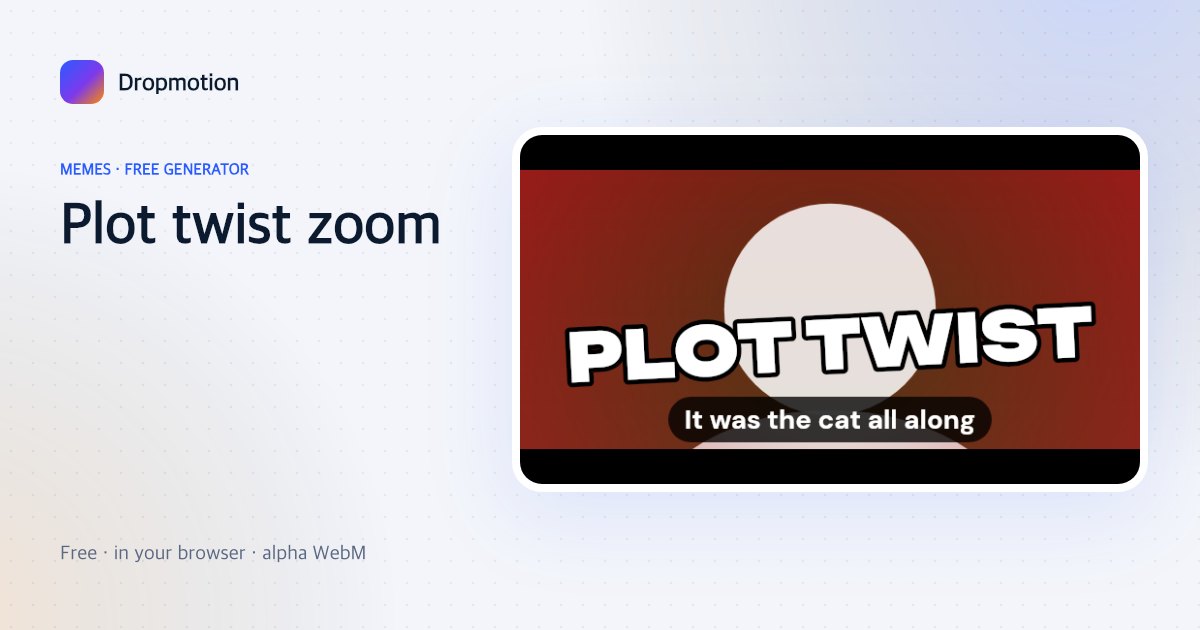
- Plot twist zoom — a photo or screenshot snaps into a dramatic zoom with shake, cinema bars and a flash as PLOT TWIST lands; story times.
Game-style meme overlays
- Achievement unlocked — a badge pops and a card slides open with your achievement and points; gaming clips, vlogs and small wins.
- Task failed successfully — an error box pops with a buzzer, the button is pressed and more errors pile up; fails and tech mishaps.
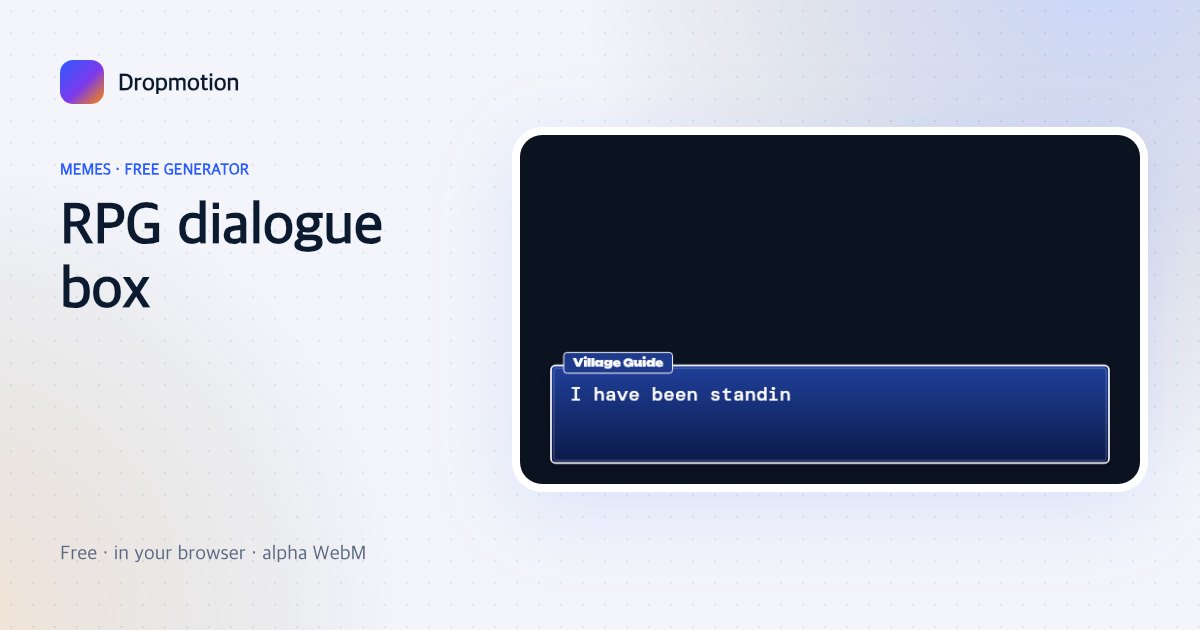
- RPG dialogue box — a game dialogue box with a name tag types your lines letter by letter; NPC jokes and story edits.
List and template memes
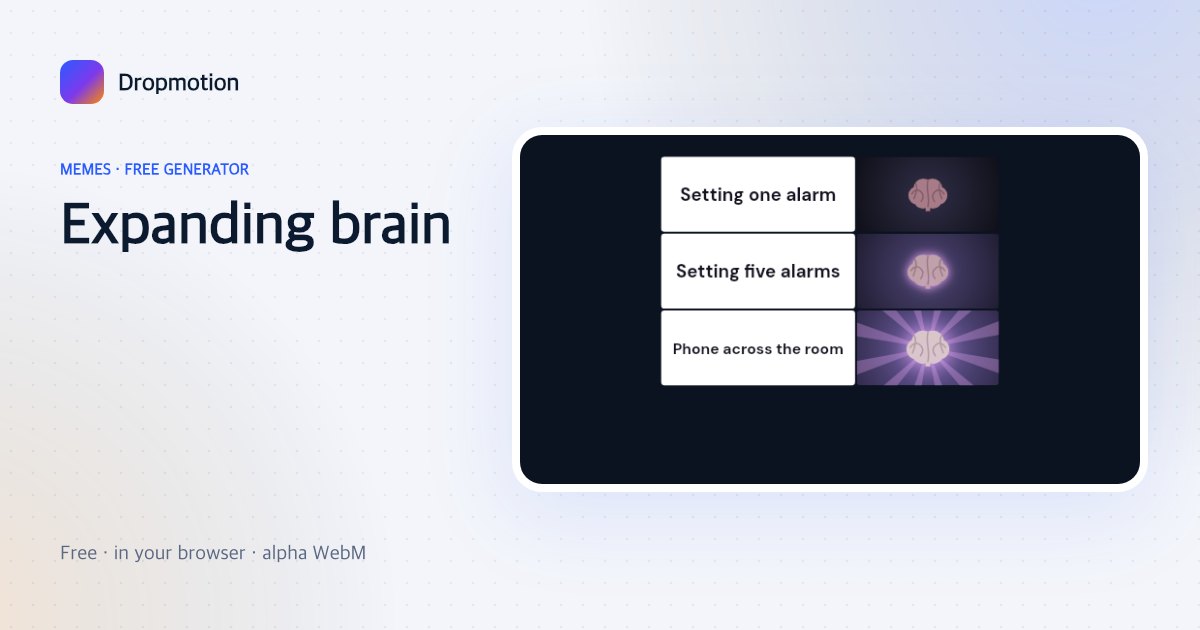
- Expanding brain — two to five steps appear beside brains that glow brighter each time; the galaxy-brain joke for sketches and explainers.
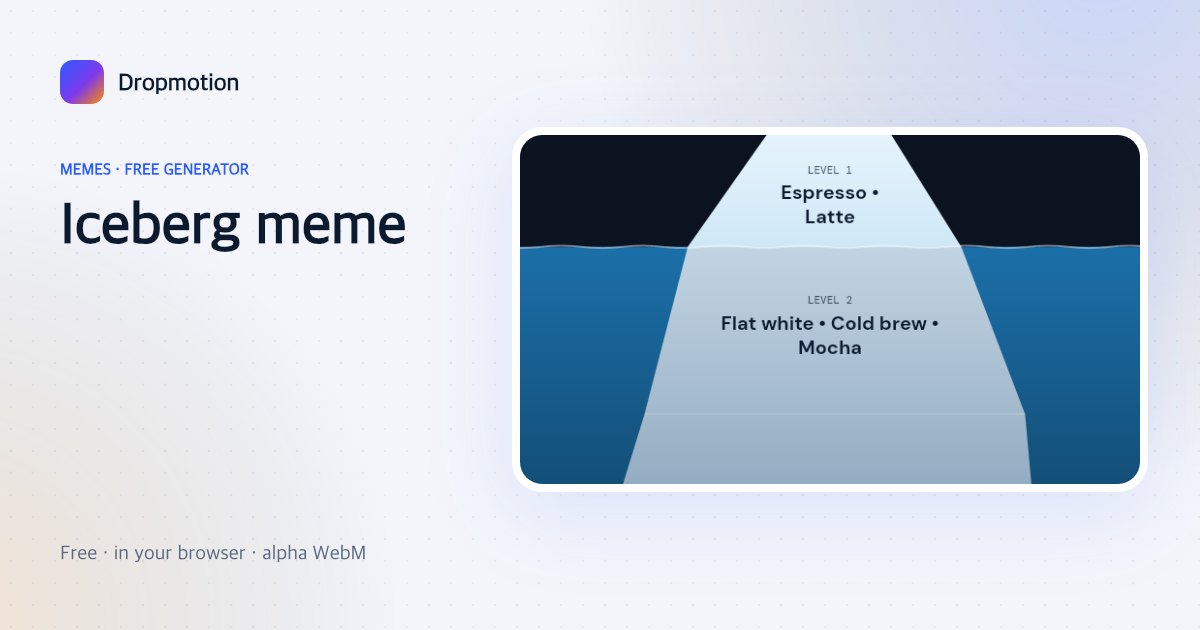
- Iceberg meme — the camera dives down an iceberg as each tier’s items appear; deep-lore videos and “levels of” Shorts.
How to make a green screen meme with sound for free
- Pick a meme format from the list, such as achievement unlocked, plot twist or aura points. It opens in the Studio in your browser, with nothing to install.
- Type your own words, add a photo or screenshot where the format takes one, and choose a size: Vertical 9:16 for Shorts, Reels and TikTok, Landscape 16:9 for YouTube, Square 1:1 or a Wide strip. Pick a green screen, transparent or coloured background.
- Leave “With sound” ticked and press “Download video”. With a free account you get 3 trial downloads: a 1080p MP4 with the sound effects mixed in with a see-through dropmotion.io watermark across the animation. Clean files come with a $3 day pass, Starter or Unlimited. Put it above your clip in CapCut, Premiere Pro or DaVinci Resolve and key out the green.
All 8 memes generators
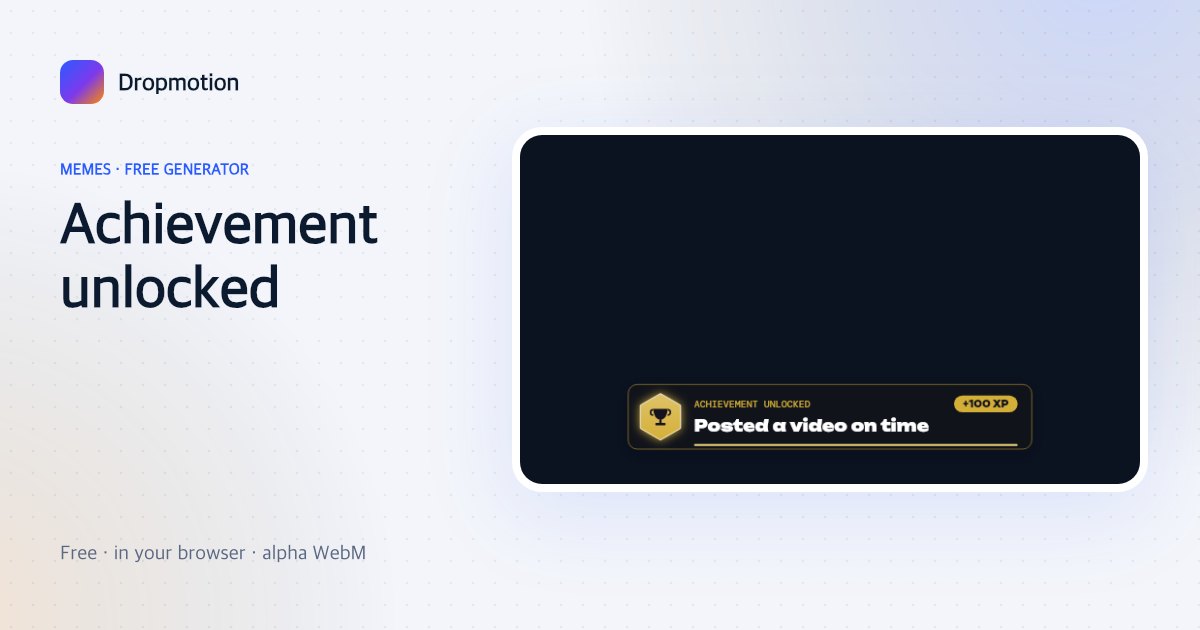
Achievement unlocked
A badge pops, a card slides open with “Achievement unlocked”, your achievement and points, then a shine sweeps across — a reward moment for gaming clips, vlogs and Shorts.
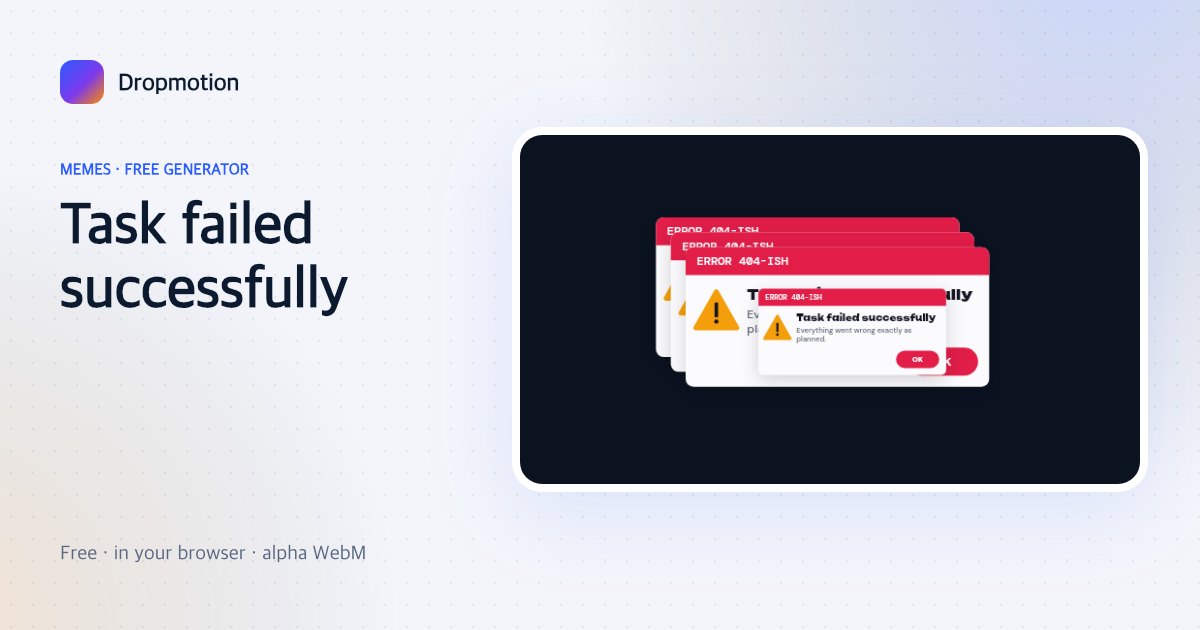
Task failed successfully
An error box pops up with a buzz and shakes, the button gets pressed — and more error boxes pile up on top. The classic fail meme for gaming clips, tech fails and edits.
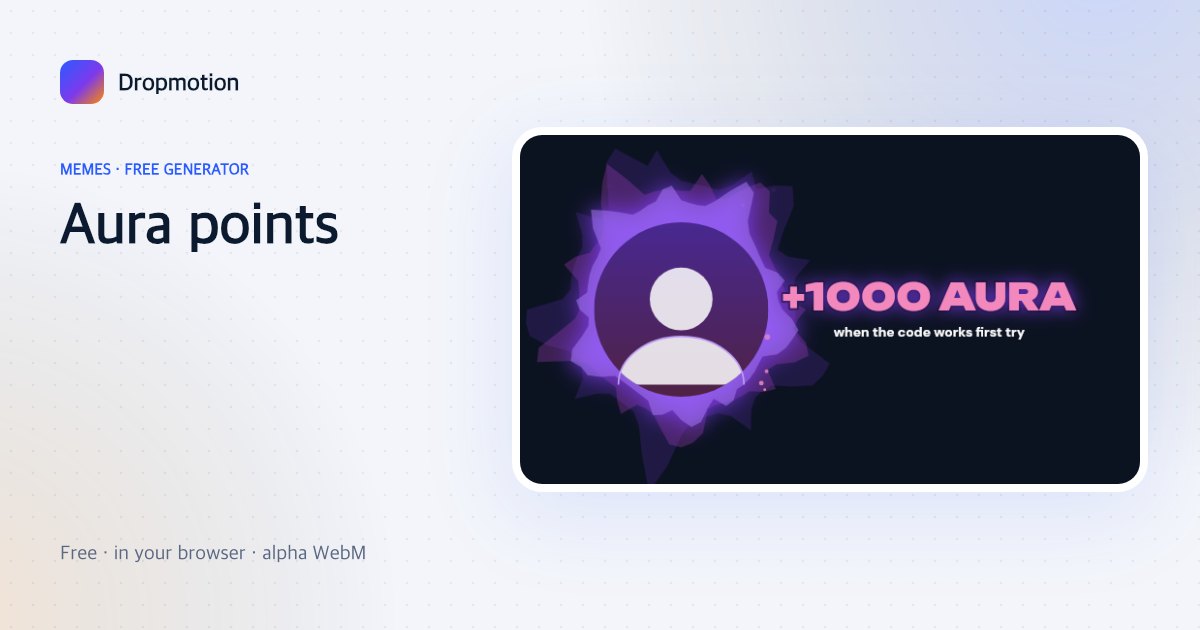
Aura points
A photo lights up with a flickering aura while “+1000 AURA” counts up and slams in — or the aura drains away for an aura-loss moment. For reaction edits, Shorts and gaming clips.
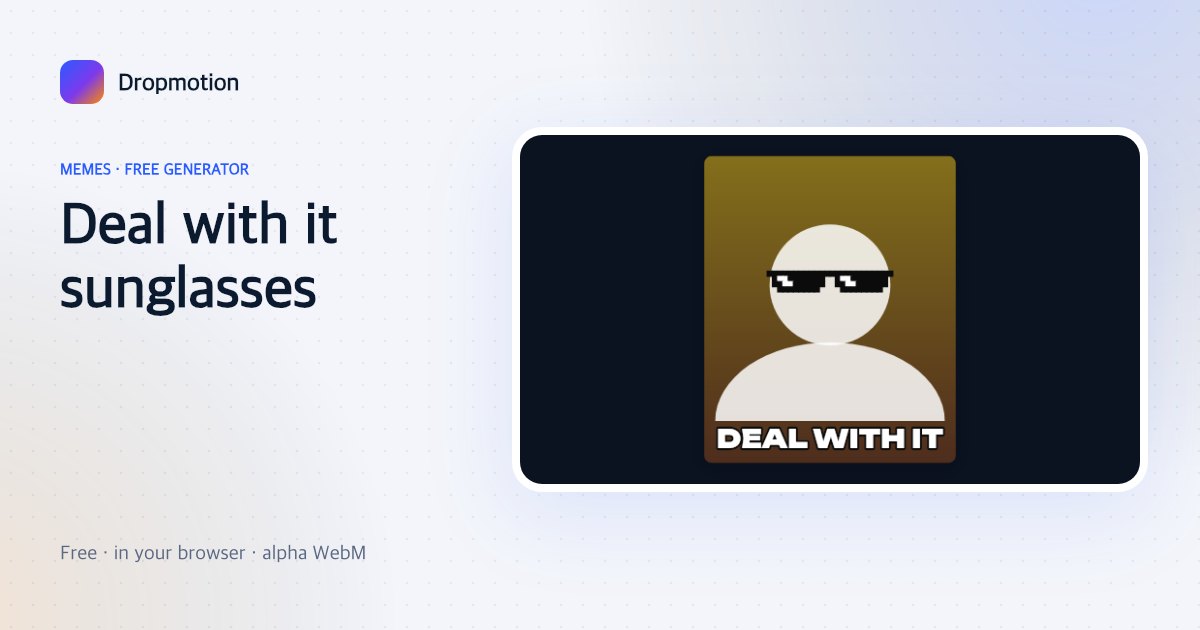
Deal with it sunglasses
Sunglasses slide slowly down onto the face in your photo, land with a tap and “DEAL WITH IT” slams in — the cool-reaction meme for edits, Shorts and reaction videos.
RPG dialogue box
A game-style dialogue box slides up with a name tag, the text types out letter by letter and a blinking arrow moves to the next box — NPC jokes, story edits and gaming commentary.
Expanding brain
Your steps appear one by one, each next to a brain that glows brighter than the last until the final one radiates — the galaxy-brain meme for sketches, Shorts and explainers.
Iceberg meme
An iceberg with labelled tiers: the camera dives from the tip below the waterline into darker water, revealing each level’s items in turn — deep-lore videos, fandom explainers and “levels of” Shorts.
Plot twist zoom
Your photo creeps in, then snaps into a dramatic zoom with a shake, cinema bars and a red or black-and-white flash while “PLOT TWIST” slams in — for story times, reaction edits and Shorts.
Meme animation questions
Where can I get green screen memes with sound?
Make them on Dropmotion: every meme generator here plays its own sound effects, such as a boom on PLOT TWIST, a buzzer on the error box or a chime on achievement unlocked, and mixes them into the MP4 download. Untick “With sound” for a silent file.
Are these meme sound effects free to use in my videos?
Yes. The sounds are made in your browser by Dropmotion rather than taken from films, games or other videos, so they carry no third-party copyright claim. Trial downloads have a see-through watermark; HD downloads without it start at $3 for a 10-export day pass.
Can I put my own text and photo into a meme template?
Yes. Every word in these memes is a text box you edit, and the photo formats (aura points, deal with it, plot twist) take your own picture or screenshot. Nothing is a fixed clip, so each export is your own version.
Which size should I use for meme edits on TikTok and Shorts?
Choose Vertical 9:16 for TikTok, Shorts and Reels, then drop the clip over your video in CapCut. Use Landscape 16:9 for YouTube videos and Square 1:1 for feed posts. A green screen background keys out in any editor with chroma key.